Especificaciones
- Conectividad
- Bluetooth
- Keyboard Description
- Integrated
- Usos recomendados
- Business, Education, Everyday Use, Gaming, Multimedia, Personal, Photo Editing, Student, Video Editing See more
- Color
- Black
- Estilo
- Classic
- Dimensiones
- 7.2"L x 5.35"W x 2.32"H
- Material
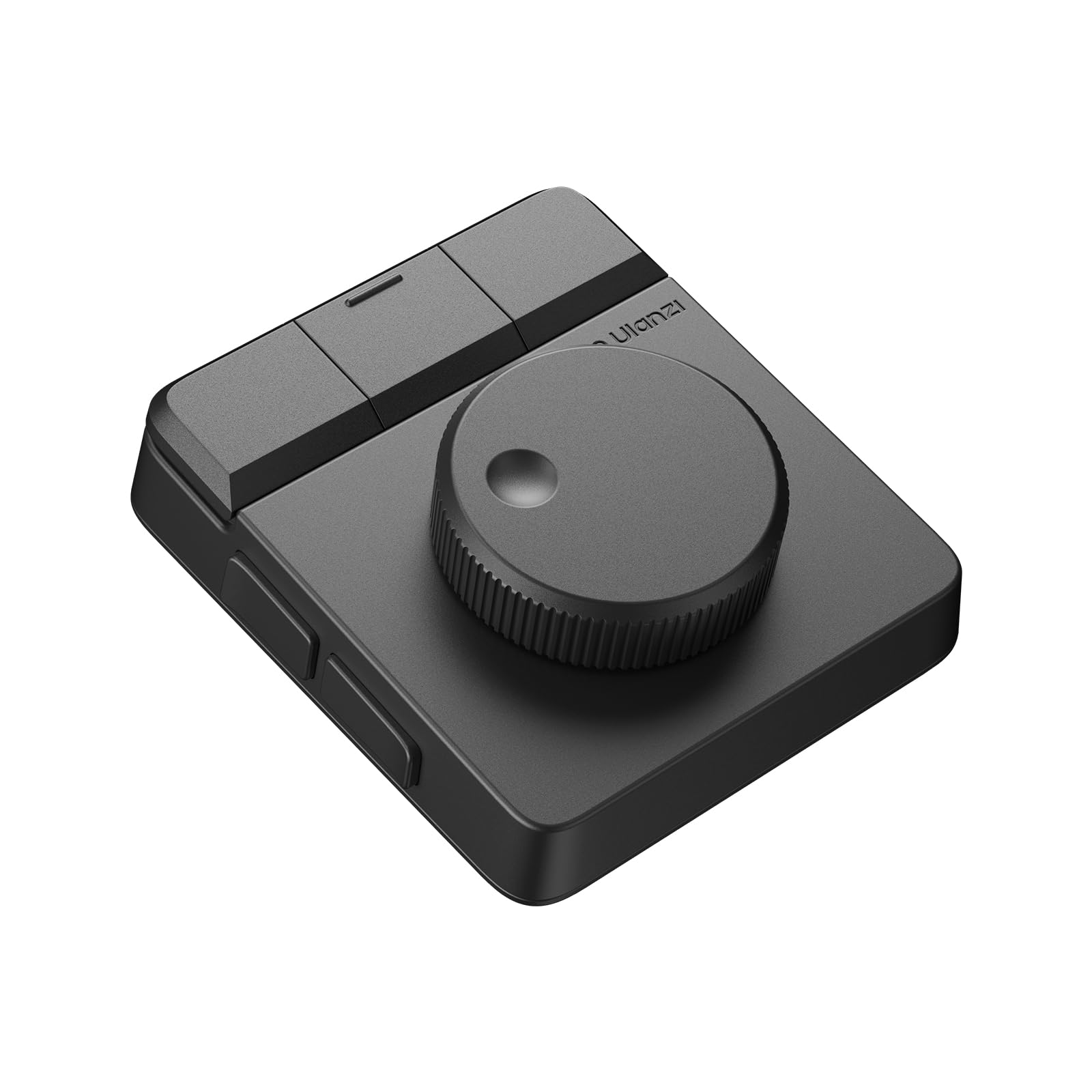
- ABS+PC housing, aluminum alloy knob, 60° silicone anti-slip pad
- Additional Features
- Customizable Display Keys, Ergonomic, Portable, Programmable Keys, Rechargeable
- Language
- English
- Number of Batteries Required
- 1
- Alimentación
- Battery Powered
- Switch Type
- Tactile
- Keyboard Layout
- QWERTY
- Hand Orientation
- Ambidextrous
- Button Quantity
- 3
- Compatible Operating System Family
- Windows
- Number of Keys
- 7
- Item Dimensions L x W x H
- 7.2"L x 5.35"W x 2.32"H
- Enclosure Material
- ABS+PC housing, aluminum alloy knob, 60° silicone anti-slip pad
- Antenna Location
- Business, Education, Everyday Use, Gaming, Multimedia, Personal, Photo Editing, Student, Video Editing
- Model Number
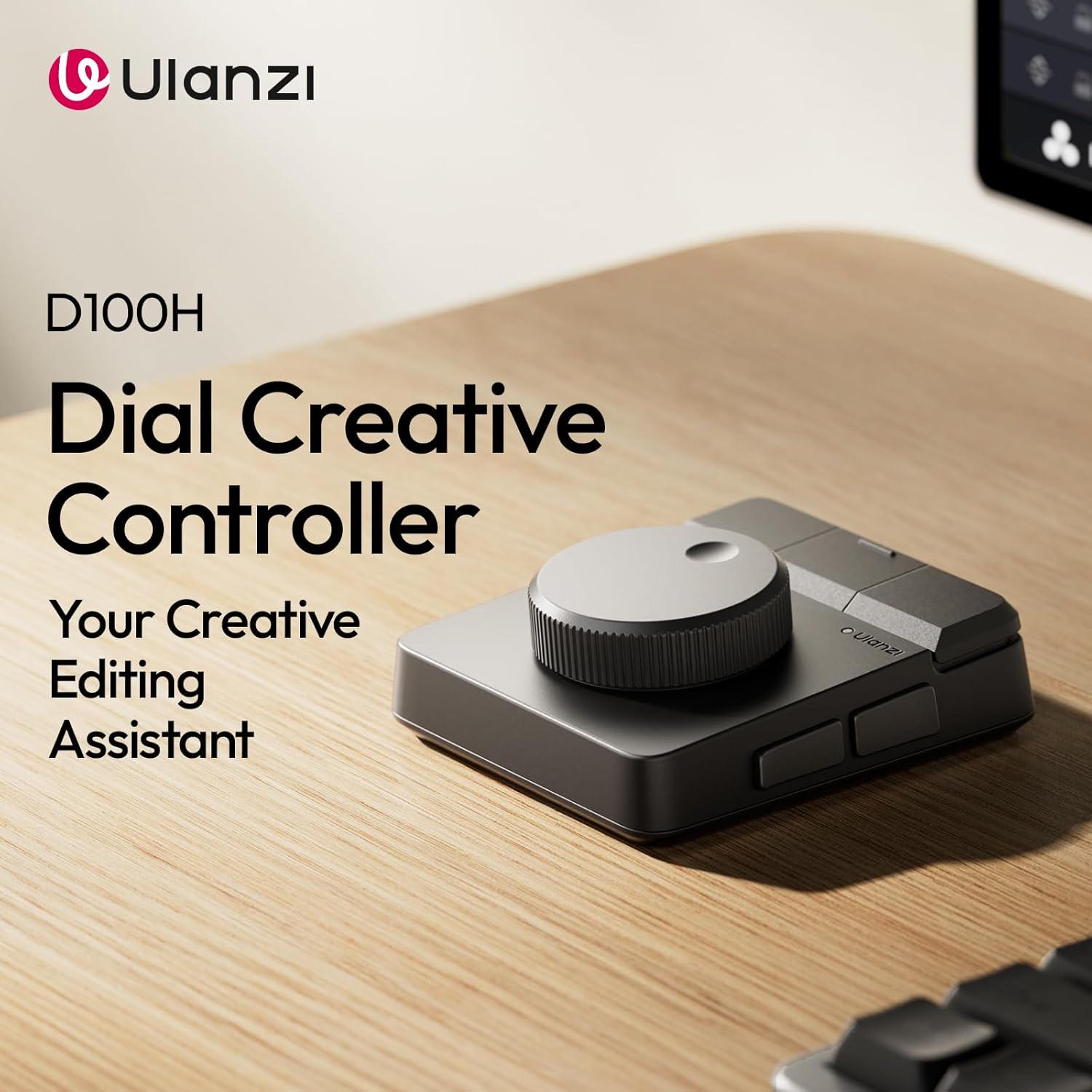
- D100H
- Unit Count
- 1 Count
- Fabricante
- ULANZI
- Number of Items
- 1
- Peso
- 265 g
- Garantía
- 3 Months
- Style Name
- Classic
Ver todas las especificacionesVer menos⌄
Calificaciones
Las calificaciones provienen de Amazon.com.
Really great value!
The "Great":If you're editing with a mouse and keyboard only, this will help you get a lot faster. I edit in da Vinci resolve and this has made my workflow much faster. Splitting and deleting a clip are now done in an instant and the wheel gives me great precision regarding where I'm splitting a clip.In addition to the dial, there are 7 buttons, so 7 actions you can perform very quickly.Build quality is very good, this thing is a bit heavy, which prevents you from knocking it out of place while you're going through your timeline.Works with mac and pc, there are 3 profiles you can switch to in the back of the device, so you can easily switch from your laptop to your pc.The store has free customizable profiles that work in your editing app of choice.The "Could Be Improved":Buttons are so easy to press. Too easy. You will encounter accidental presses, especially in the beginning. Make sure to assign a button to "undo"😬.Buttons only respond to a single press. Why not add "long press" and "double tap"? We would have triple the number of possible actions.Instructions are not super clear. Automatic profile switching needs to be enabled in the settings. It was not immediately evident that it could do that.It would be nice if the dial could "free spin" to move through the timeline faster. Maybe a button could toggle free spin in a future version?In the meantime, using the left buttons in combination with the dial to jog and move the timeline does the trick!Verdict: 5 stars based on how much it improved my workflow for the price I paid.
JJoe User
3 de julio de 2026
A very low budget device that mostly functions
I just wanted a video jog wheel like on the Davinci Resolve speed editor or keyboard.This kind of meets that need but not as precise or or robust as the Davinci gear.The buttons are too easily triggered and the plastic cover over the switches is flimsy. The knob is certainly a good size, it rocks from side to side and front to back - often triggering the switch action.The top buttons feel like a real cheap mouse with no resistance or tactile feedback that lets you know you triggered them.It's a really geared for low budget or dabbling video editing but if video editing is your bread and butter, you would best be served to use better tools of the trade.Blue tooth is lagging a bit and sometimes the knob does odd back and forth motions to the video play head.Again, it's functional and a cheap novelty and easy to program but not even close to the Speed Editor or Keyboard from Davinci.You just have to decide if you like a 1970's Volkswagen or a 2020 Lexus.Like all things, you get what you pay for, your choice.
Ok hardware, embarrassingly bad software.
My expectations were low given the price, but the software and documentation is beyond atrocious. Setting this up with Lightroom classic is barely useful given the limitations of the software. Products like this should never be shipped to international markets
Griffin PowerMate Replacement PLUS more customizable features
OMG! After searching for a replacement for my obsolete Griffin PowerMate, and many unsuccessful attempts to use other "customizable" control knobs and wheels, I finally landed on this Ulanzi Dial. WOW it does everything the PowerMate did, plus the added buttons are nice for quick access to other functions that I need. I work in professional audio production using multiple DAW's (Cubase, DP, Ableton, Logic) and I am able to customize all of my key commands for each specific application. The Dial automatically switches profiles to the active DAW (program) just like the PowerMate. It also defaults to haptics when turning the dial, but I prefer to have that off most of the time. I found the programming software to be quite easy to set up (almost too easy).I would highly recommend this as a replacement for the PowerMate or just to augment your workflow and have another device within reach all the time for quick navigation in any media application.Only two minor things I wish were better 1) if you pick up the device, you almost always are grabbing buttons. So you have to be careful when you pick it up not to trigger anything accidentally. 2) I wish it had a cool LED ring of light like some others out there. But I'll take functionality and solid build over eye candy if I have to make a choice.It's built solid, has noticeable weight to it, connects via Bluetooth or USB independently, fully customizable and application specific...basically it's what you're looking for. And for the price it's well worth it. Others twice the price aren't even programmable and work like total crap. Trust me...I tried a bunch and sent them all back. This Ulanzi Dial stays...no question.


 Marca: ULANZI