Especificaciones
- Mounting Type
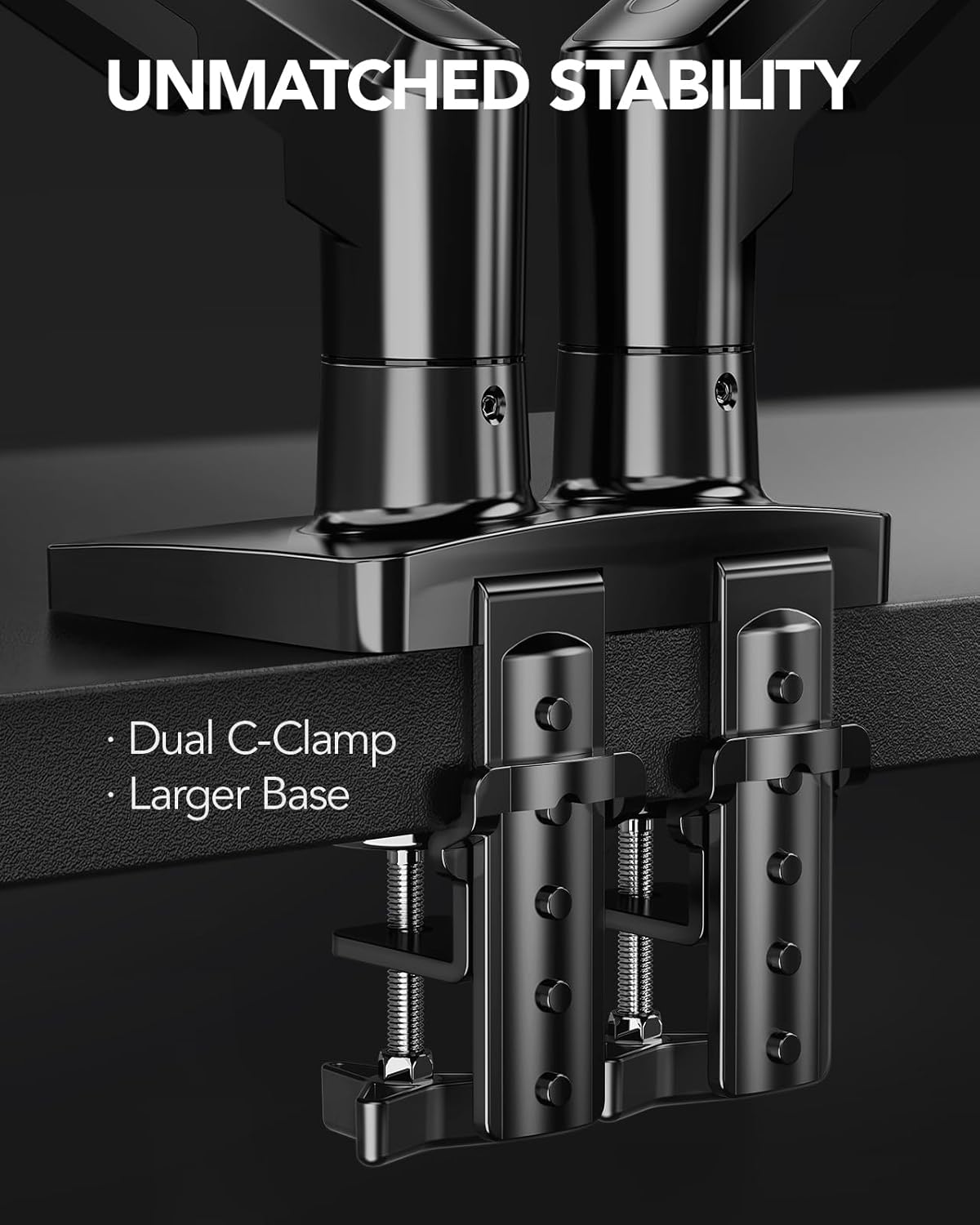
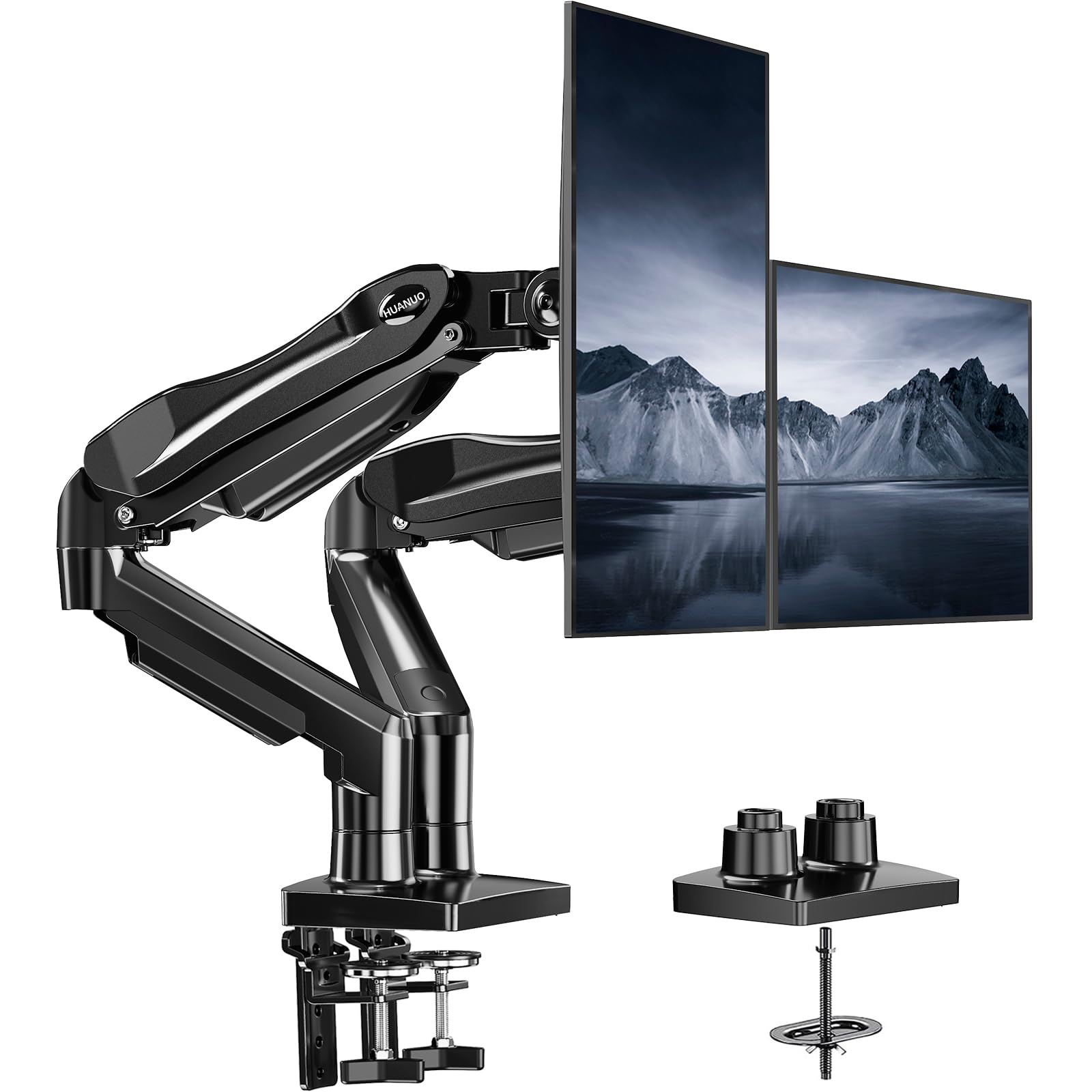
- C-clamp or optional grommet mount
- Movement Type
- Tilt, Swivel,Rotate, Height adjustment
- Material
- Alloy Steel
- Color
- Black
- Maximum Tilt Angle
- 85 degrees
- Unit Count
- 1 Count
- Number of Packs
- 1
- Enclosure Material
- Alloy Steel
- Maximum-Supported Screen Size
- 27 inches
- Minimum-Supported Screen Size
- 13 inches
- Fabricante
- HUANUO
- Garantía
- 5 Year
Ver todas las especificacionesVer menos⌄
Calificaciones
4,6
★★★★★34.502 calificaciones
Las calificaciones provienen de Amazon.com.
Just what I wanted!
I don’t even have to say nothing because huanuo is a great brand and speaks volumes for itself but let me just say this I was mind blown such an amazing and sturdy product for the price I thought I’d get something that was difficult to set up which this is not it’s super easy and or made of cheap material which this also is not it’s great sturdy and even heavier which shows you it’s good material! This only thing I don’t like is the maneuverability of moving the monitor left and right as the bracket only allows foward and downward tilt but that is easy to get over you can use this for a top and bottom setup because of the way the arms are but this it perfect for side by side! The size is good doesn’t take up much desk space but creates a lot more since it keeps your monitors looking like they are floating it gives an amazing look to your setup that’s for sure!! The wire management is also pretty good and is easy to use making look nice and clean but if you have fatter cords I would just remove the plastic piece and screw and zip tie it tot he arm instead as i did for my main monitor!
Freed up a ton of desk space, arms hold position perfectly
Bought this for my dual monitor setup and it's been rock solid so far. I have it clamped to an Ikea desk (my battlestation setup) and the clamp had no problem gripping the desktop without damaging anything.The gas powered arms work exactly as described. Getting both monitors positioned where I wanted them took maybe a couple minutes of adjusting the tension screws, and once they're set they stay put. No drift, no sag, and I can still reposition a screen with one hand when I want to tilt one toward the rest of the room or swing it out of the way.The biggest win for me is honestly the desk space. Having the area under the monitors completely open changes how usable the desk is. Stuff that used to crowd around the monitor bases now just slides underneath.One minor note: I haven't used the cable management rails yet. You have to detach them from the arm to route the wires through rather than just snapping cables in, and I didn't feel like unplugging everything to do it. Not a dealbreaker at all, just something to know if you're expecting to add cable routing after the fact. I'll probably get to it eventually.Installation was straightforward and everything felt sturdy out of the box. If you have a two monitor setup in the 24-32 inch range I'd recommend this without hesitation.
Very sturdy for large monitors
These are very easy to put together, and hold up large monitors (mine are 36"). Lots cheaper than the alternatives and seem very well made.
VVroomJago
30 de diciembre de 2025
Good quality, easy setup, with slight alignment issues
I've owned these monitor stands for about a year and a half and I will say that they are better than okay, but not great. What makes them better than okay is that they are simple to install, especially to move them if you happen to move locations. The adjustment of them is straight forward, but to raise and lower the monitor, you must release the screw in the rear.My main gripe is the alignment of two monitors - they just never line up correctly when one of the monitors is angled, but I have never tried them both straight on as that would not work for my workspace. If you like your dual monitors to line up correctly, it might take a bit more fidgeting than I was willing to spend.Overall, its built well and I don't feel like my monitors are going to fall off.




 Marca: HUANUO