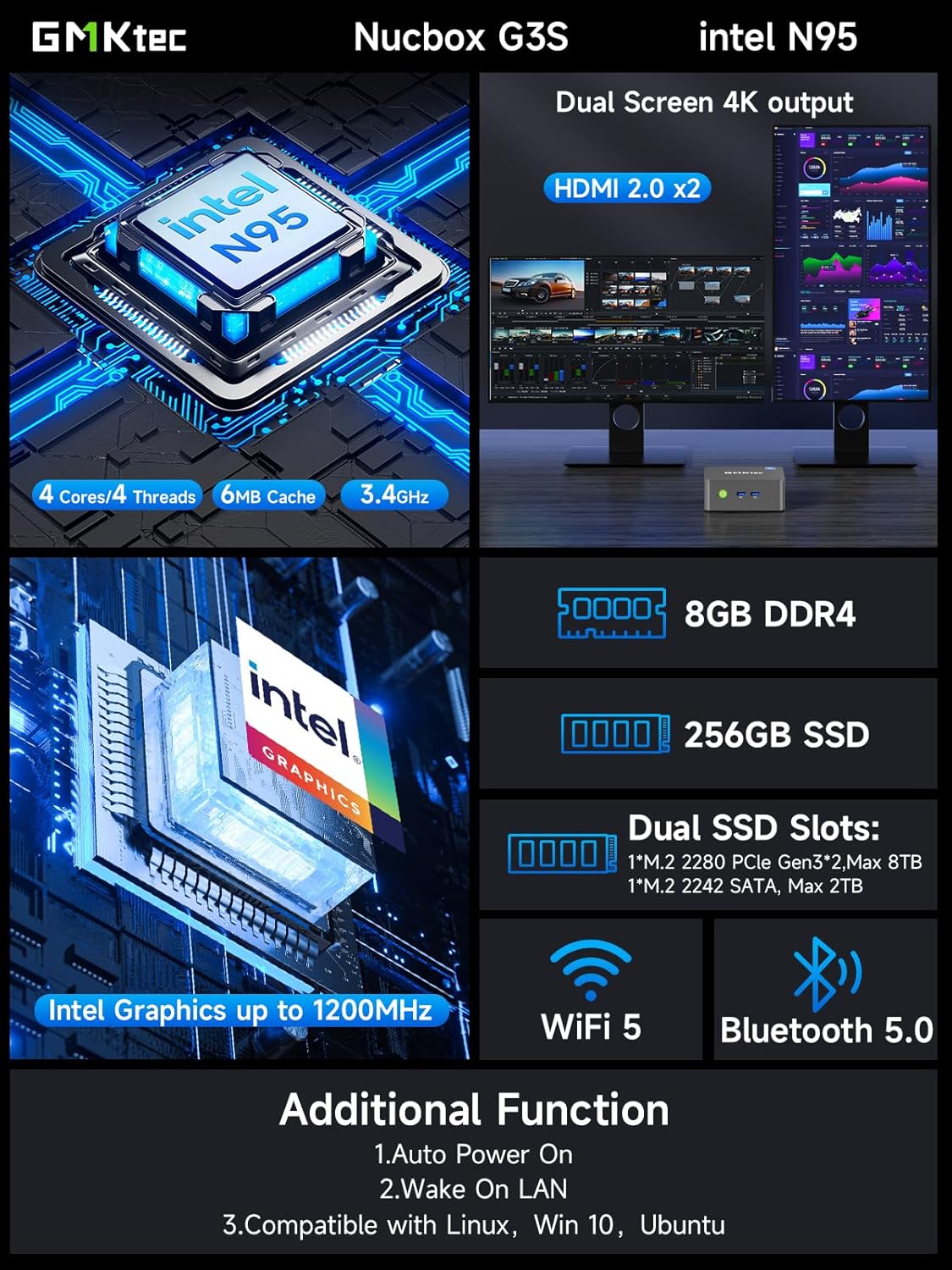
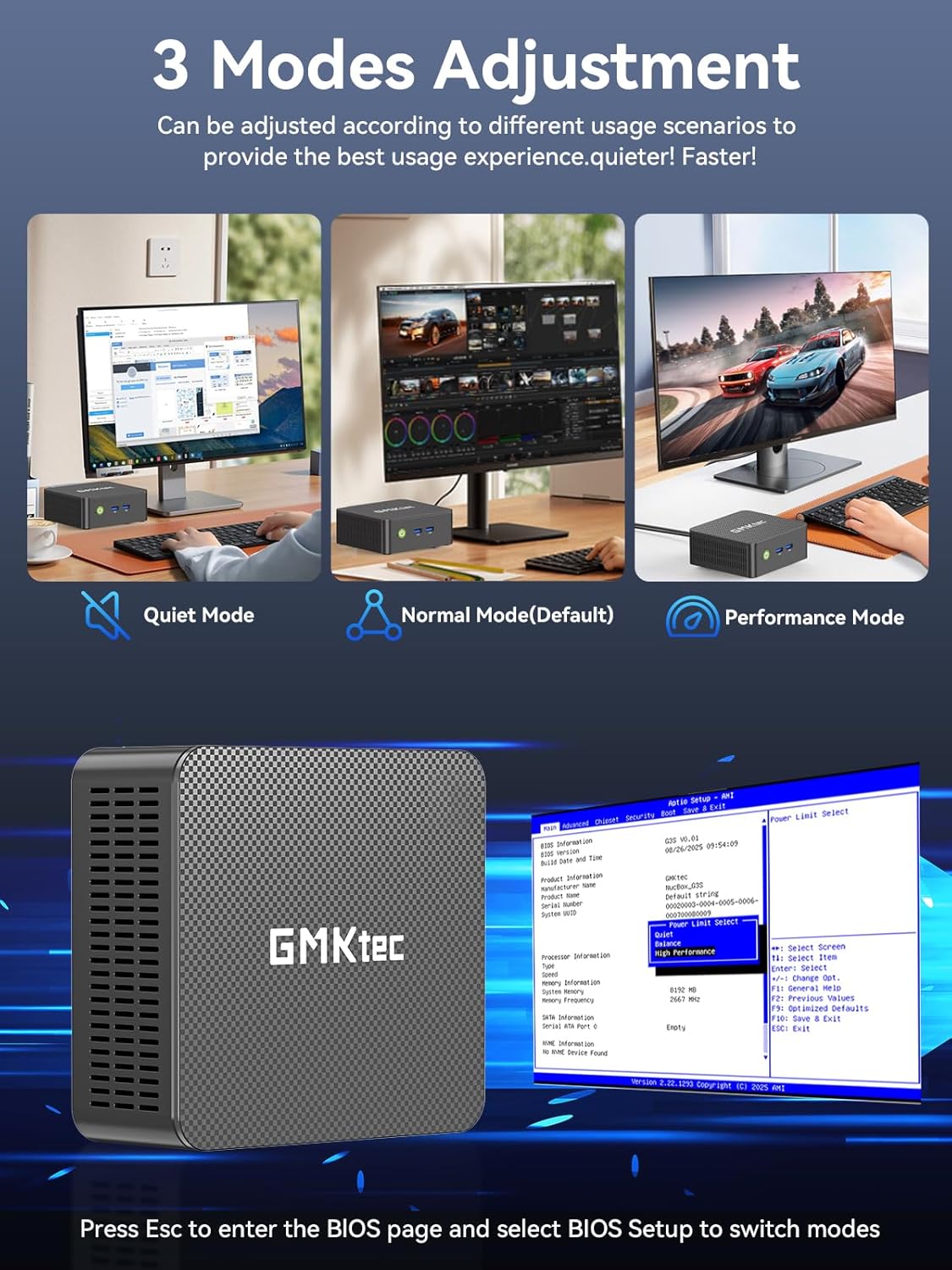
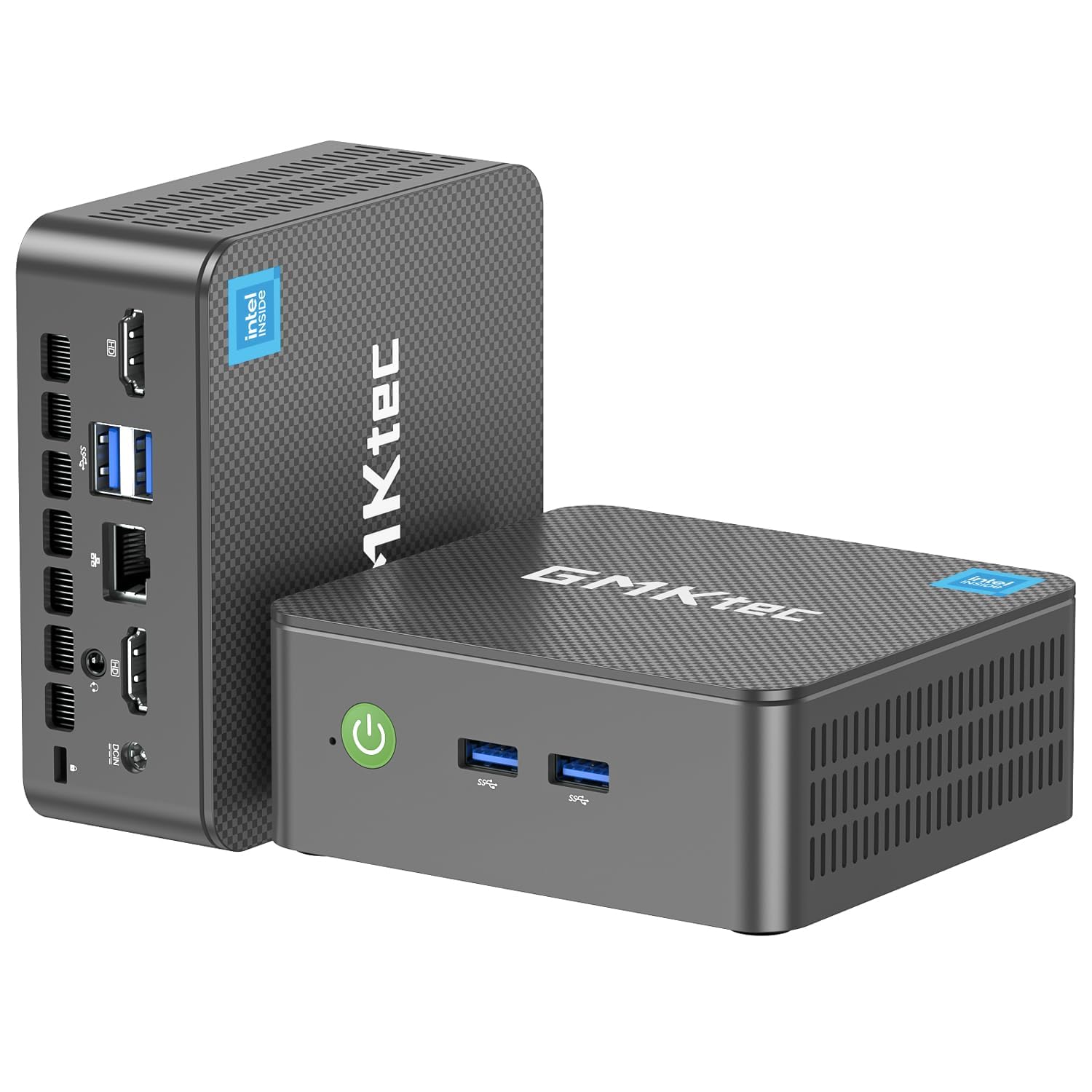
GMKtec G3S Mini PC Computers Intel N95 Processor(Beats 3200U/ N5095)
Más de 400 compradas el mes pasado
-32%US$237.48
Antes: US$349.99
Precio en USD + envío por peso real. Llega en 5 a 10 días hábiles con Envi Express. Pagá en línea con tarjeta.
Más de 400 compradas el mes pasado
-32%US$237.48
Antes: US$349.99
Precio en USD + envío por peso real. Llega en 5 a 10 días hábiles con Envi Express. Pagá en línea con tarjeta.
4,2
1.479 calificaciones
Las calificaciones provienen de Amazon.com.
Patrick W
6 de febrero de 2025
Even decent for lite gaming
I'm honestly quite shocked at the value this thing has packed into it.I originally wanted to just convert this into a Linux-only machine and set up emulation there but I quickly found that there were some issues with display and processing. What I thought was going to be a fairly light load, turned out to be more than it could handle. It was not even running a sega Genesis game well. I also found that there's something with the display/graphics that I couldn't even get dual screens to work in Ubuntu Linux. Nor could I send audio out via HDMI. GMKTec had a build of Ubuntu but when I tried to install it, the computer did not seem to like it. I never was able to get their build of Ubuntu working. I feel like their build could have solved some of the Linux issues. I don't think it was inherently that the machine couldn't handle the graphics processing.So after wiping the machine a few times through trial and error I was able to get both Linux and Windows installed and either selectable during the boot menu. Having reinstalled Windows again I needed to download the drivers from GMKTec's website and run the install script. This was necessarily to ensure that the graphics and sound worked properly. This time attempting to run emulation (on windows) I was been pleasantly surprised. This machine, currently being under $200, has been able to handle a wide variety of retro gaming from original NES to Wii U. The Wii and Wii U emulation has some stuttering during assets loading or busy environments, but when the games are running things are generally smooth and appropriately 30 or 60 fps. Switching to Steam, I was able to run Ori and the will of the wisps, but only after turning down the graphic settings to Low.Running normal day to day web browsing works fine and it has a great amount of storage 1TB. This is a perfect day to day machine for probably 70-80% of users. This is also a perfect solution for travel or hooking up to a TV where the small form factor is preferred over a big tower or laptop. I think for more serious PC gamers this is not going to be enough processing power to run any powerful modern games. For the price, this is also a perfect machine to try out configurations that might break your normal computer, like trying to install multiple OS's and accidentally wiping the machine. For me this is going to be a perfect machine for learning different technologies on where I don't want to clutter my main machine.What's crazy is that a machine like this would have been completely sufficient to do all of my college homework on, though I think a laptop is better for that job (especially taking notes).PC's have come extremely far since the late 90s and early 00s. From that perspective it is mind blowing what this thing can do. From the perspective of today, this is adequate to handle almost any task, but intensive gaming, number crunching, video editing, or 3d rendering this is probably going to fall short. That being said the price to value ratio is still extremely high.
Yeti
Cool little computer!
This is a great little computer. Its about as basic as it gets, but that's what I was in the market for.As I age, I've found I barely even use a computer at home for personal stuff at all any more. I have a work laptop that docks to a couple monitors for work from home stuff. I have an extensive steam game library from the old days, but i just don't really have a place in my life for gaming anymore, and i have a Nintendo switch for what little gaming i do.So, I sold my personal laptop and old gaming PC and replaced it with this... Its attached to the back of one of my work monitors, and runs 24/7 as a plex server and network storage computer. I can switch the monitor over to it if i want to, but i will probably just remote into it from my phone for most quick media and file management tasks.It serves up full 4k over wifi no problem. During setup and configuration, it seemed speedy, and responsive enough, and would probably be just fine for a daily use computer for just about everything. It came with Windows 11 pro pre-installed with no bloatware, and setup was super easy.I'm honestly amazed what you can get for so little money, and in a package not much bigger than a deck of cards.I heavily considered getting a "better" mini PC with better graphics, more RAM, etc... but i tried to be honest with myself on my use case, and this is probably better, as it is so efficient for 24/7 mini-server type use. At some point i may try running some basic 3d modeling software of it, as this is about the most demanding thing i can think of that i may still want to do in my personal life, but bottom line, this is a lot of computer for a little money and no space at all. Pretty cool.Note that i was considering using it with my USB-C laptop dock to switch in and out with my work laptop,and the user manual confirmed that the usb-c port is only for power, and its not a thunderbolt port, so that wouldnt work. If you want USB4/thunderbolt, you may need to upgrade a bit more.
David
The GMK Tec NucBox G3 is a great little Mini PC!
The GMK Tec NucBox G3 is a great little Mini PC!It’s packaged nicely, and setting it up was a breeze. It’s preloaded with Windows 11, and took just a short amount of time to set up. Some necessary updates took a little longer to download and install, but for most of that time it’s possible to work on other things with the Mini PC, so it wasn’t a big deal at all.This NucBox G3 has a good amount of RAM and Hard Drive Storage, especially for such a little machine. 16 GB of RAM is enough for these use cases, which are running Office Programs, Web Browsing, and playing YouTube Videos, etc. And the 1 TB Hard Drive should be more than enough storage.The system manages resources well for the above tasks, and everything runs smoothly. This is my first time using Windows 11, and it seems good so far. Sometimes Microsoft has to work out the kinks with every other OS release, but hopefully at this point they’ve gotten the bugs out of Windows 11.Regarding the hardware, the NucBox G3 is small and unobtrusive, but still manages to have a solid amount of connectivity. There are 2 USB Ports on the front, and 2 on the back, and one could always expand with a USB Hub. 2 HDMI Ports are nice in case a dual-monitor setup is needed, and both Video and Audio via HDMI work flawlessly. Also included are a Security Lock, an Ethernet Port, and a 3.5mm Audio Jack. The internal Wi-Fi 6 Card performs well, and there’s also Bluetooth 5.2 internally.I’m going to keep Windows 11, but if you prefer Linux, that would be an option.All in all, I’m stoked about the NucBox G3 Mini PC. It’s great for what we’re using it for, and is a really good value to boot! I definitely recommend the NucBox G3 from GMK Tec!
Suburban Vampire
24 de junio de 2025
Shockingly Effect Mini Server, Intel N150 really is THAT GOOD
I have spent the last few days putting this device through tests working on making sure it can actually do the jobs I got it for. So far, this appears to be a really solid choice for a home server network hub / main box for anything that doesn't require mass storage.I have replaced the internal m.2 card with a Transcend 2TB drive:https://www.amazon.com/dp/B092W8G8C6?th=1My system is running ProxMox VE as the base operating system, then I deployed Docker and Docker Compose natively on the host system and used handy ProxMox helper scripts to setup and spin up VM and containerized versions of Opnsense, Adguard, and Home Assistant. Via Docker Compose I deployed Traefik, sabnzbd, Audiobookshelf, Lidarr, Navidrome, VaultWarden, Bookstack, Baikal, DocMost, Joplin, prowlarr, and a WebDAV sync server for RetroArch.Using even "just" an SSD style m.2 to host everything, I'm finding the 12GB of RAM version to be just about perfect as a spot to put those services and then I'm using the rest of the bulk storage for a music collection, audiobook collection, and podcast storage. Audiobookshelf runs nice and responsively with this as a host.I ran my unit through like 8 hours of memtest86, no errors at all (woo!).Then I installed the OS as documented above.Then I felt like it would make sense to run some download tests.Sabnzbd++ running in a container on this system ran (I'm pretty sure) faster than it has for me before on this connection.So this system is outperforming a router while also deliverying Opnsense's enterprise class control and firewall.69.6 GB - downloaded in 15m 37s, average 76.2 MB/s, unpacked in 28m 50s90.9 GB - downloaded in 22m 37s, average 68.6 MB/s, unpacked in 20m 49s91.1 GB - downloaded in 18m 39s, average 84.1 MB/s, unpacked directly15.2 GB - downloaded in 3m 6s, average 83.5 MB/s, direct unpackObviously, my MUCH bigger and more electrically inefficient AMD AM4 system would unpack these jobs faster, but these are basically the most difficult jobs I could think of for the sabnzbd++ chain, a couple of untouched full size ISOs where the system has to download and handle 10s of GBs at a time. No hiccups or problems encountered, this tiny guy crunched that data out like a champ.Basically, the Intel N150 really is that good!Downsides & Notes:I didn't touch the WiFi / BlueTooth unit on mine at all and can't speak to its usefulness.Also, with only one m.2 2242 slot and the stated max capacity of 2TB means, unless you slap some USB3-based storage on, this guy will be limited by its data storage in terms of workloads it can do.Overall:I was shocked at how tiny and cute this device is, and the BIOS lets you change the LED ring light at the bottom to a bunch of different colors, so it seriously overdelivered for me in terms of asthetics and build quality.It's priced competitively with a good router, but running Opnsense on real hardware with multiple GB of RAM to throw at the problem, you are going to outperform any router that costs the same price this does. Just add a wireless access point and go :)A dual NIC mini PC as gateway and main home services host is going to be my go-to solution going forward, it's great!