CChicken Little
5 de diciembre de 2025
Excellent execution -- Hard to choose between this and the Supernote
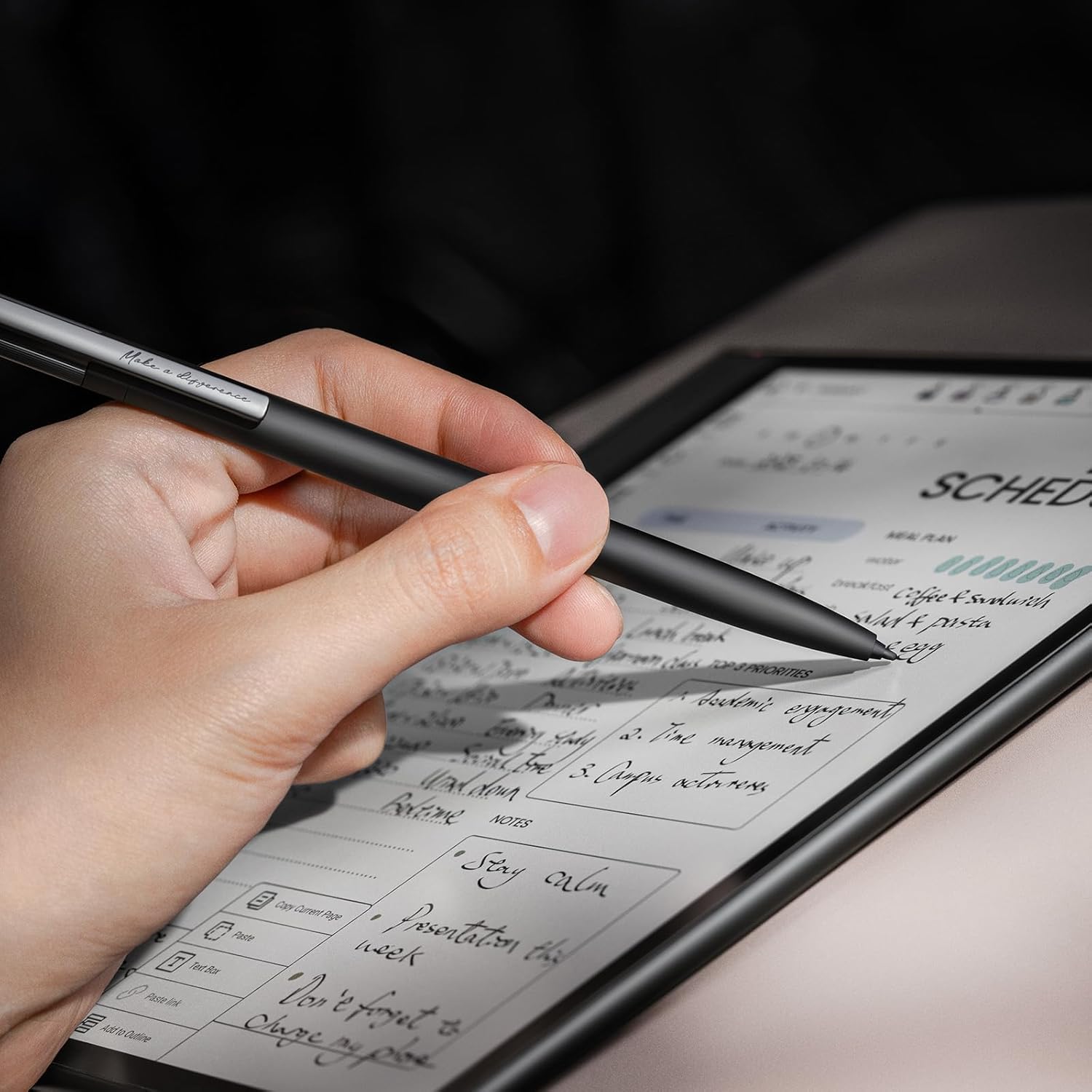
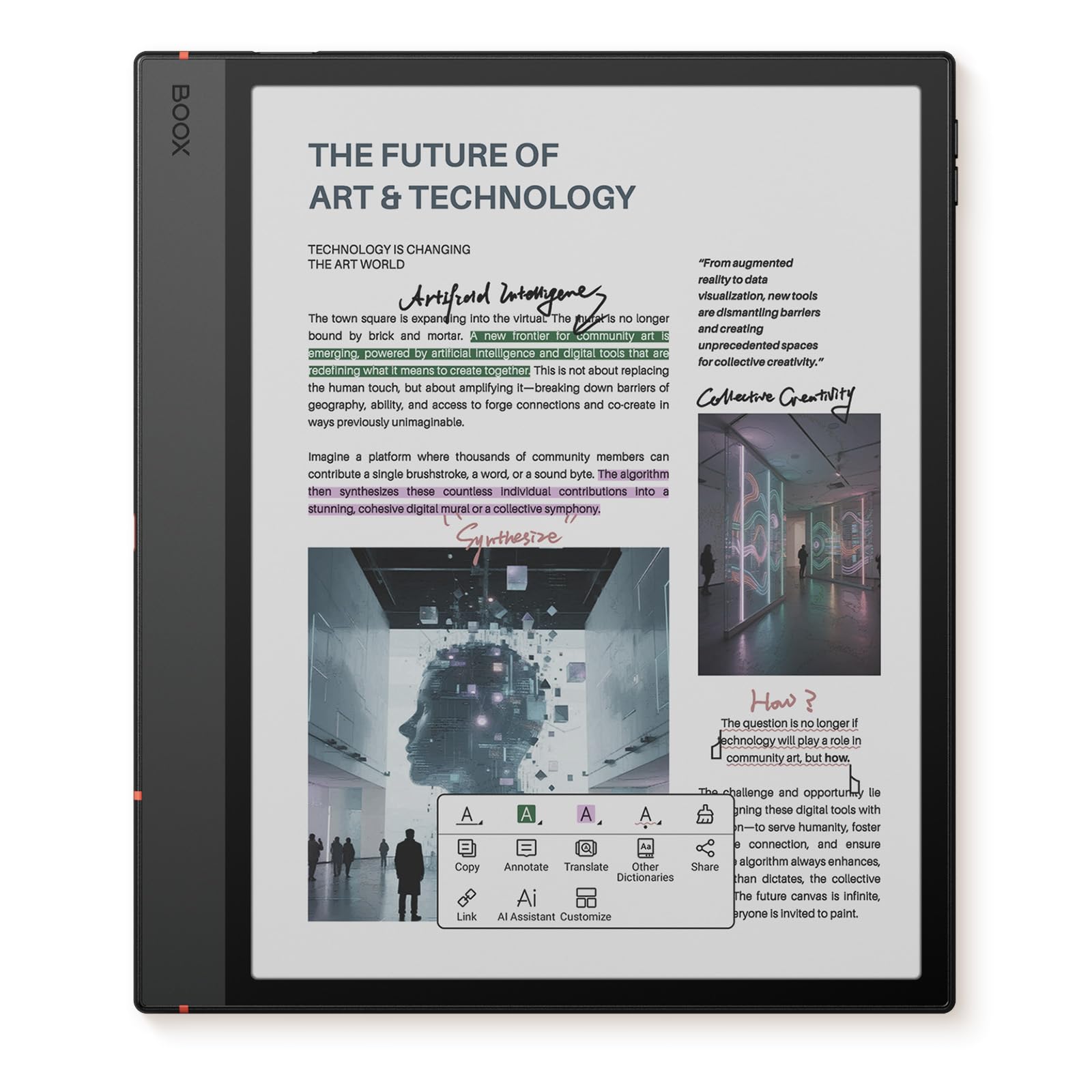
I also have a SuperNote Nomad, so I will be comparing the two products. (If you're wondering, I also gave the other product a 5 star review, because there are reasons you'd choose the Nomad over this product and vice versa.)First off, the 5C was really well executed. The fit and finish as soon as I unboxed it were impressive. It definitely was the product the company intended to build, and their engineering team hit all of their targets.Pros:- color screen: it straddles gimmicky and useful.- Android software: using the Nomad as a point of comparison, it was such a relief that I was able to download Android apps for this product.Other notes:1. Its default software load is what I'd call awkward. Unlike the Nomad, you don't get a full complement of apps that shows off what the 5C can do out of the box. Their Notes app is custom, works great and shows just a few hints that it was inspired by Supernotes's Notes app.2. The power button, which I use to turn it on after it goes into sleep mode, is indented a little bit. There isn't much travel to that button, which worries me.About the Nomad. Supernote's claim to fame is its patented screen technology, which allows it to have the best pens. They're right. My first impression of the 5C's stylus was that it felt a lot like pencil on rough paper: a bit scratchy.Supernote runs a custom OS. It comes with a good selection of apps, but you can't add to them much. However, their apps are very well done and tuned to their hardware.In contrast, the 5C leans on its much more powerful processor to pursue the same ends. Because they support Android apps, they are at the mercy of those app developers.OS support -- It has been said that Android tablets have traditionally suffered from the limitation that they can never upgrade their OS. Whether that curse continues with this product, we'll wait and see. In the meantime, the Supernote has upgraded its OS/firmware at least a couple of times since I started using it.Supernote cloud account versus the Boox cloud account -- In order to use the full feature set of your brand new 5C you'd need to have a Boox account. This wasn't entirely pleasant. I wasn't able to find a website on which I could create it with a computer, so I had to create it by pecking at the virtual keyboard on the 5C. (This is especially fun with passwords!)I don't remember Supernote's account creation being hard. Also, you have the option of syncing your notes into the cloud. Whether you create an account or not does not impact how the apps work, outside of syncing.Tablet UI Navigation -- The 5C runs Android, so you have access to the same three buttons as on Android devices. It actually supports a fourth button, because it has the room. If you've used an Android phone, you can picture performing many of the same operations on the tablet. Supernote uses two stripes, which you'd swipe to pop up their compact home screen. Their implementation is so useful.AI and handwriting recognition -- The 5C's notes on their app support multiple layers. With the lasso tool, you can select a rectangle of your handwriting and ask the software to recognize your scrawls. Theirs works very well, but you have to have set up your account and I believe have to be online. In contrast, the Nomad's layered notes do not support handwriting recognition so you'd have to use their single-layer note template. Once it has recognized your handwriting, it shows you a crude text editor and a virtual keyboard. Clearly this not how they wanted you to use your device, and I don't use it that way either. (I already had a virtual keyboard on my phone. I bought the Nomad and the 5C so I can write!)I've reached the end of what I wanted to write in my review. As you can see, there are quite a few differences. They made different design choices along the way. For organizing my next week or checking my calendar or taking quick notes while I'm on the phone, I use my Nomad. For taking notes as I'm reading from my eBook and for reading my eBooks, I use the 5C.
JJosue
3 de diciembre de 2025
Amazing product for those with adhd
Amazing product specially for those with adhd This thing is awesome I still get distracted but less often. Feels more productive than something like the remarkable because of the access to the play store.Pros:Fast for a e-ink tabletAccess to play storeNice sizeColor displayCan use kindleBuilt quality is phenomenalScreen feels niceCan read mangasCons:Brightness without backlight is badStreaks are commonColors don’t match (remarkable’s)Remarkable feels faster (but this is better)Battery life is ok (others are much better)(Base storage makes no sense, yes I know you can use a micro sd card.)Writing feel could be better (again like the remarkablePen is mehSummary:Overall a much better product than most competitors, at a price that actually makes sense. Pen is meh, however pro tip you can use pretty much any Wacom pen.
MMike
24 de febrero de 2026
Great tablet, just not for me
I'll preface this by saying that I ultimately returned this item, but it was a tough call. I purchased it in the hopes of finding an e-ink device that could replace my iPad for work. I read a lot, so I was especially interested in the e-ink for reducing the strain on my eyes. But I was also interested in the Android OS because it meant I could download other apps that I use for work, like Canvas.Overall I think this is a really great tablet, but I just couldn't justify the added expense when the iPad does all of the same things (minus the e-ink of course) but usually with a cleaner and smoother interface.The display is really strong, but does have some drawbacks. I was generally impressed with the color and image rendering (more on that below). Particularly with newer PDFs I found the text display to be surprisingly crisp. Images were kind of hit or miss. Comics displayed pretty clearly, but some other images were grainier. In some cases I found that problems with color rendering could be resolved by adjusting the display and refresh settings.The baseline display is dark, but it sounds like this is just a known issue with the Kaleido displays. If you're in broader daylight or a brightly lit room this might be manageable, but I found myself relying on the front light almost all the time. The settings were flexible, so it was easy to find a sweet spot with the lighting so that it felt more natural, like reading a paper page or like looking at a remarkable2 screen.I didn't have many problems with the screen refreshing. Sure, it would ghost sometimes, but the refresh option was readily accessible and worked well. Overall it wasn't too much of a problem. Similar to other issues, the refresh settings were highly customizable, so you cand speed up the frequency of the refresh if you need to.The screen size was pretty good, but it would be nice to have a little more space for reading. I read a lot of articles where the default format is two columns, so this can lead to the pages looking a little cramped on the page. Yes, you can zoom in, but I kind of like the idea of the technology minimizing the amount of fussing I have to do, not creating more work to navigate around. This is a really structural issue, though.I didn't really care for some of the software design choices, and this was a major limiting factor. The general interface is fine, but the note and reader apps have kind of a clunky file management system that I didn't really like. This is one area that seemed oddly non-customizable compared to the rest of the system.The integration of third-party apps like Dropbox and Canvas was initially a big plus, but I didn't like the way these apps actually functioned in practice. Canvas, in particular, suffered from more lags and ghosting than other apps. The writing was also lagging more here than in the native note taking app. Some of this was resolved by adjusting the refresh settings, but it was still notably inferior to the native apps. The ability to focus on particular sub-windows was also absent compared to the iPad, and made writing/commenting on submissions more difficult. The voice dictation was also considerably inferior compared to the iPad. Much of this isn't really the fault of the Boox device, but I suspect is more on the software developers. The user experience on the iPad is just so much smoother and cleaner by comparison, and since I spend a non-trivial amount of time reading and commenting/grading, that was a big factor for me.One nice thing about the Android OS, though, is that almost any time I ran into a problem with some feature or function I eventually found that it could be resolved by adjusting system settings. The ability to add weight to PDF font or to in-app font (like Canvas) was a big plus, and something the iPad actually lacks.My takeaway is that this is a really nice device, and works quite well, but it just didn't suit my particular needs. Again, some of this is on app developers and not on the Boox tablet itself. The dark display and screen size were structural features that I didn't love, but they weren't deal breakers in and of themselves. The color display is pretty impressive, and if you're having trouble with the crispness of images I'd recommend tweaking the settings a bit and I expect you'll have an improved experience (for most cases).
SSharon Williams
13 de julio de 2026
DO NOT PURCHASE BOOX!
The Boox Tablet 10.3” Note 5 C is a beautiful high quality tablet. However, getting it setup with Onyx is flawed. I tried several times to log in, but I continued to get errors and the Tablet continued to freeze. The setup was supposed to be straightforward, but it was not. I was able to easily connect to my Internet, but logging onto Onyx so that I could move forward to enjoy the tablet was a hassle. It is not straightforward and the tablet continued to glitch and lag. It was too cumbersome. I have a Remarkable Pure Tablet and the setup was so easy. I RETURNED the Boox Tablet Note Air 5 C it was NOT worth the headache. I watched the Boox YouTube directions and I read the directions to get started, but to no avail. This Boox Tablet is just not functioning appropriately because it has too many glitches and it IS NOT USER FRIENDLY!! DO NOT PURCHASE IT!!!