Especificaciones
- Mounting Type
- Tabletop Mount
- Movement Type
- Tlit, Swivel, Rotation, Height Adjustment
- Material
- Alloy Steel
- Color
- Black
- Maximum Tilt Angle
- 80 degrees
- Unit Count
- 1 Count
- Number of Packs
- 1
- Enclosure Material
- Alloy Steel
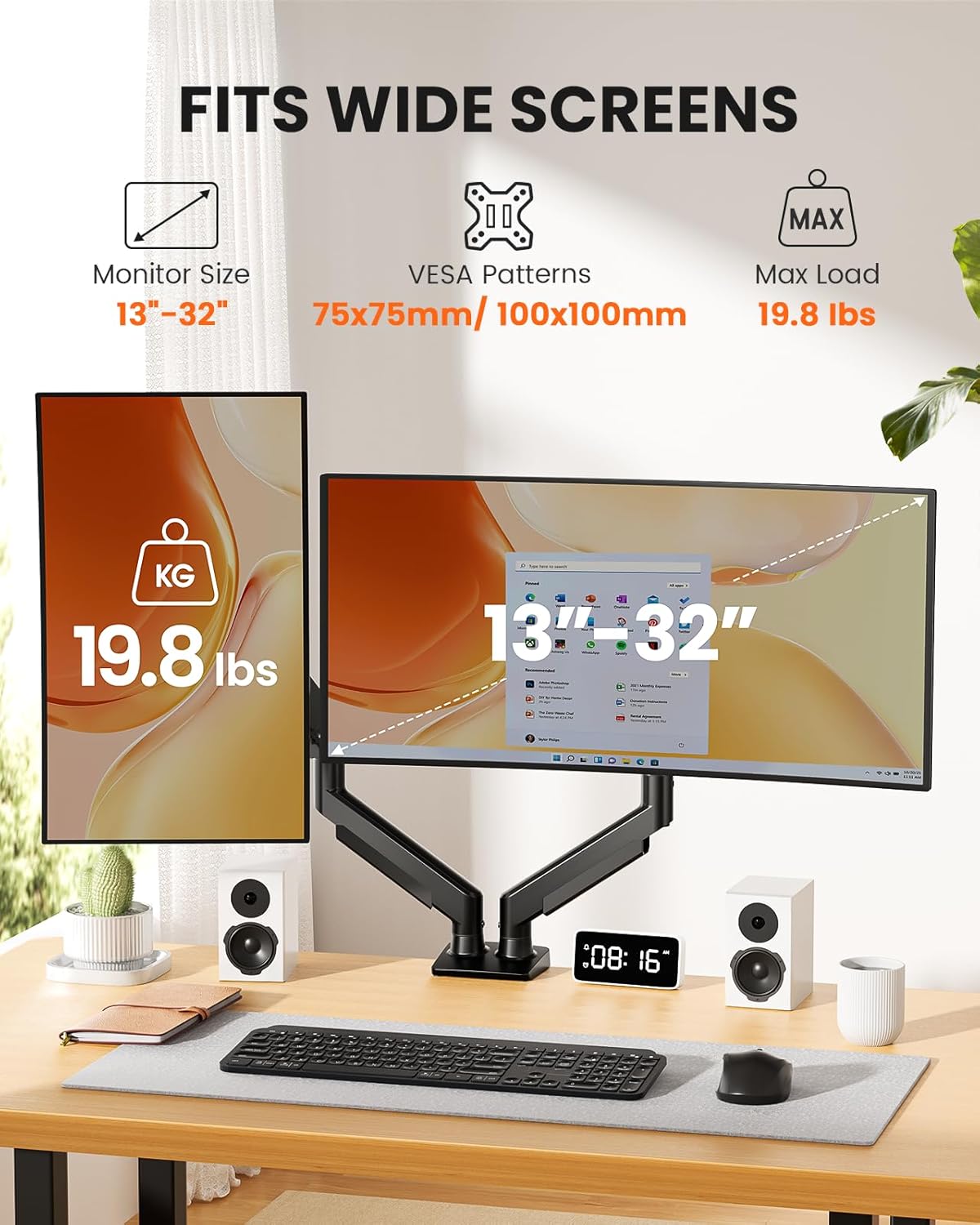
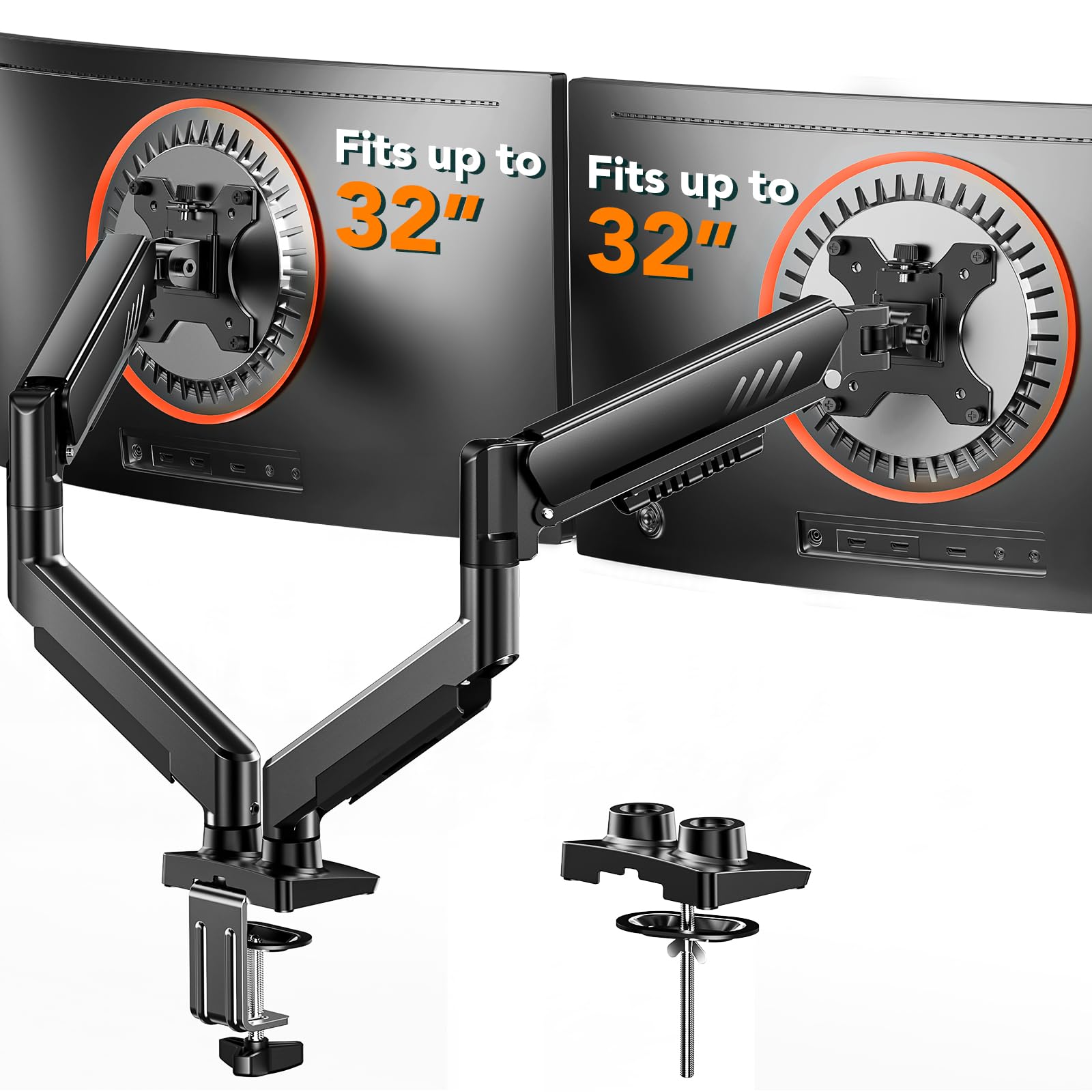
- Maximum-Supported Screen Size
- 32 inches
- Minimum-Supported Screen Size
- 13 inches
- Fabricante
- Ergear
- Model Number
- EGDMA70B-DS-UK
- Garantía
- 5-year
Ver todas las especificacionesVer menos⌄
Calificaciones
4,5
★★★★★6.253 calificaciones
Las calificaciones provienen de Amazon.com.
Ddemmie thomas
10 de julio de 2026
Arms
This dual monitor arm is sturdy, easy to install, and does an excellent job supporting two monitors securely. The adjustable design allows for smooth positioning, making it easy to find the perfect viewing angle while freeing up valuable desk space. The build quality feels durable, and the cable management helps keep the workspace neat and organized. A fantastic upgrade for any home office, gaming setup, or workstation. Excellent quality and great value for the price!”
This is the one you need!
This thing is built like a tank. Don’t worry about your monitors, fear for your desk! The box it comes in shipped at 20 pounds. Everything is top notch solid and fits snugly.Has a max height of 22” and width of just over 3 feet. Did I mention it is sturdy? Holds my 32” (which is 24 pounds) at max height and length like it’s a feather. Not fiddly in the least, this allows for infinite on the fly adjustments without tools. Just position at will. I’m absolutely thrilled with the performance of this product.Note on assembly: I hadn’t contemplated exactly how I was going to mount two monitors onto these arms. Here is my recommendation.Mount the desk bracket and the bottom half of the arms to the desk. Then attach the VESA plate with the other half of the arms to the monitors. That way you only have to deal with half of the monitor arm and it just inserts onto the rest of the bracket firmly. This will make sense when you see how it assembles.Comes with all the hardware and tools. This is top notch. In the picture, that is a yardstick laying atop the arms. This is holding a 32” and a 27”.
Pretty great product
Stand works great and as expected. I have a 32” monitor on one and a 26” ultra wide in the vertical position on the other.I’ve had them for a few months and they’ve held tension perfectly. Usually, I find these spring tension arms to become loose after a few months and you just tighten them back up, these are still stiff like when I first set them up, and I move them around quite often. The monitors can rotate 360 degrees and tilt up and down almost 90 degrees each way.The clamp is sturdy so you will feel comfortable making sure it’s tight on the desk. I do plan on drilling a hole to mount the desk to mount it without a clamp and will update my review when I do so. It comes with the hardware to do either mounting options.They're made entirely of metal except for the plastic cable trays that clip along the bottom of the arms. The entire build is well worth the cost and gives me more space on my desk and helps my workflow when editing photos or editing video.
MMeldcoro
18 de junio de 2026
Very sturdy and functional
This mount is of excellent quality for its price. I bought it to organize my workspace, and it has honestly freed up a ton of desk space, allowing me to move the screens with complete freedom.What I liked most:Great sturdiness: It holds the weight of the monitors perfectly without shaking. The materials feel solid and high-quality.Versatility: Being able to set them up side-by-side or stacked gives a lot of flexibility depending on what you need for your daily setup.Organization: The cable management system does a great job keeping the desk looking clean.Reason for the 4 stars:The initial assembly and adjusting the tension of the gas spring arms can be a bit tedious. It takes some patience and effort to fine-tune the screws so the screens don't tilt or sink on their own at first. The instructions could be a little more detailed regarding that step.


 Marca: ErGear