BBoraDori
21 de junio de 2021
Good cheap 4K monitor, as long as not using it for photo or video work.
It's one of the cheapest 4K monitor you can buy. When it comes to cost, nothing to complain about. I was looking for 1440P monitor to use mainly as secondary monitor on my desk, to watch videos through Apple TV and occasionally as an extension of main computer desktop. For the same price, this was too good to pass, so thought to give it a try.Details:1. Enough input - 2 x HDMI, 2 x Display port.2. 1 headphone/speaker jack you can export the sound out to directly from the monitor.3. Pixel density (not resolution)- not sure, but pictures/videos look better on my 12 year old Apple Cinema Display 1440P. Yes, it's 4K, but pixel density seems pretty low...but then, this cost around $250 for 4K resolution.4. Basic color control is there on the monitor with preset.5. HDR compatible.Bad things:1. Color accuracy - no matter what I do, can't get the right color profile for the monitor to do photo or video editing. Would not recommend this monitor to anyone who works on photo or video, even as a casual hobby. Spend more money to get more appropriate monitor like LG Ultrafine for any work that depends on color accuracy.2. Non-removable stand - the column of the stand is stuck to the monitor as some one the reviewers have mentioned. The base stand comes separate. I'm using monitor arm, so this is a bit annoying. You have to cut the stand column off. For now, I'm using it as a handle when I have to move the monitor around. Not sure why they designed it that way.Good things:1. Semi-automatic input change: Input changes automatically depending on which HDMI is active. I have 2 HDMI connected to it, Apple TV and Nintendo Retro. When Apple TV is put in sleep and Nintendo is turned on, monitor will automatically switch to Nintendo. When I switch Nintendo off and turn on Apple TV (ATV), monitor picks that up. However, if I still have either one active and turn on the other machine, it will not switch to the new device. This is what I mean by "semi-automatic." This is still better than to have to go into monitor menu to switch the input method every time.2. Monitor sleeps when there is no active input: When either the ATV or Nintendo is off, the monitor will quickly display that there is no input and monitor will turn black (sleep). This is such a nice feature. On many monitors, you still have to turn the monitor off.3. Speaker is there: not great sound system, but okay enough to play the Nintendo Retro system.4. Watching content is good: I mentioned that color profile is not there to use this for photo or video editing. However, it is very good when watching videos such as Netflix, YouTube, and etc. Just make sure device hooked up supports HDR and HDR setting on monitor is turned to "automatic." In case you are using ATV 4K, make sure the video is set to 2:2:2 and newer HDMI cable is used to support it.5. Playing video game on the monitor is good. Can't complain about it.6. Fine to use for any office work.Basically, if you are using the monitor for office work, video watching, and playing games, this is not a bad choice for the price. For photo and video editing, not recommend it. I know it's weird. If color accuracy is not there for photo or video editing, how can it be okay for viewing? I don't know, but this is only reason that I'm keeping it. This would not be a bad choice as a 4K secondary monitor. When used as extended desktop, I have the photo/video on the main monitor and put controls on this monitor to maximize my work space. 99% of the time, I'm streaming video on it. Make sure you have "HDR" on "automatic" on the monitor set up. Without it, the colors look really washed out.


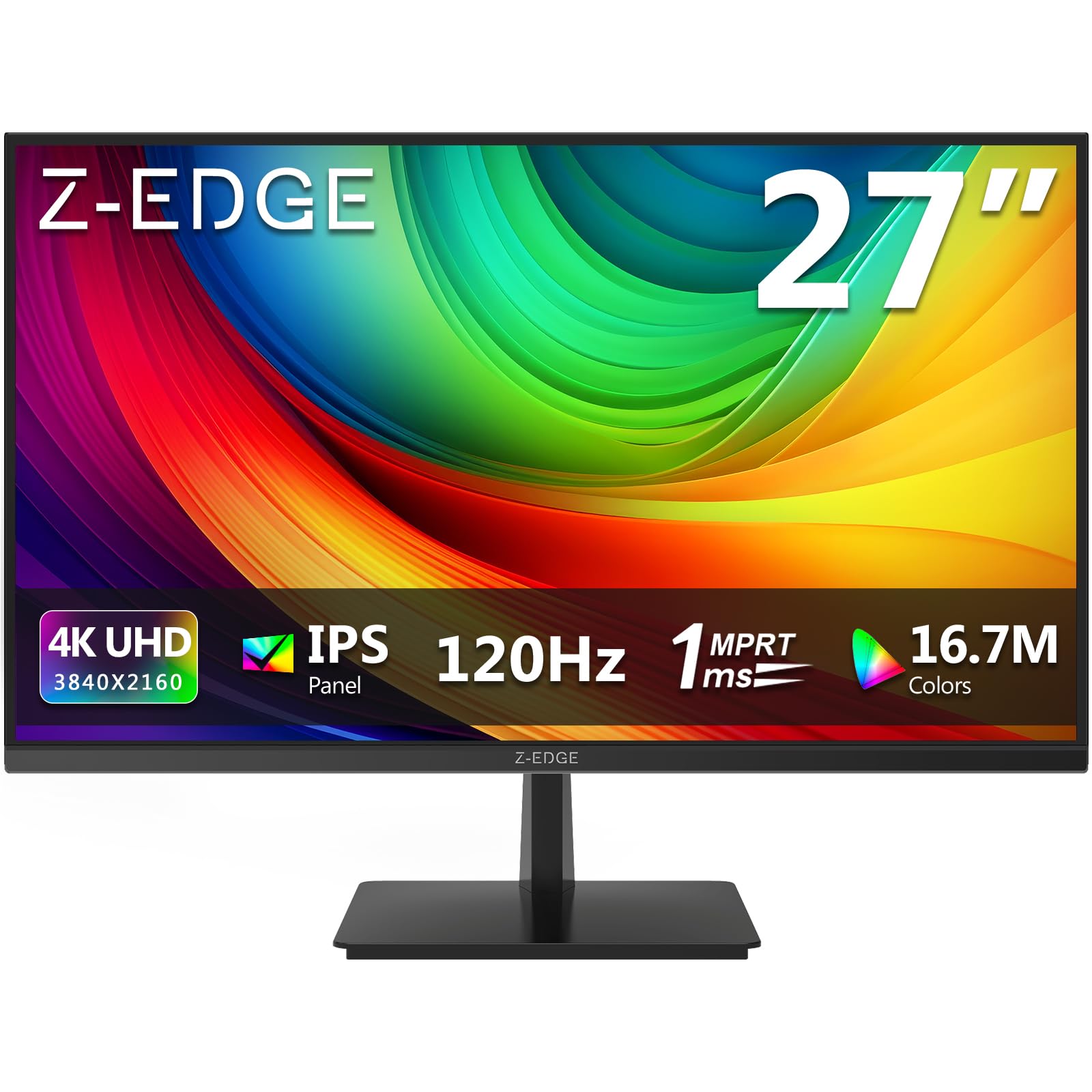
 Marca: Z Z-EDGE