RRad V.
18 de marzo de 2026
I am writing this after testing 4 different OLED panels.
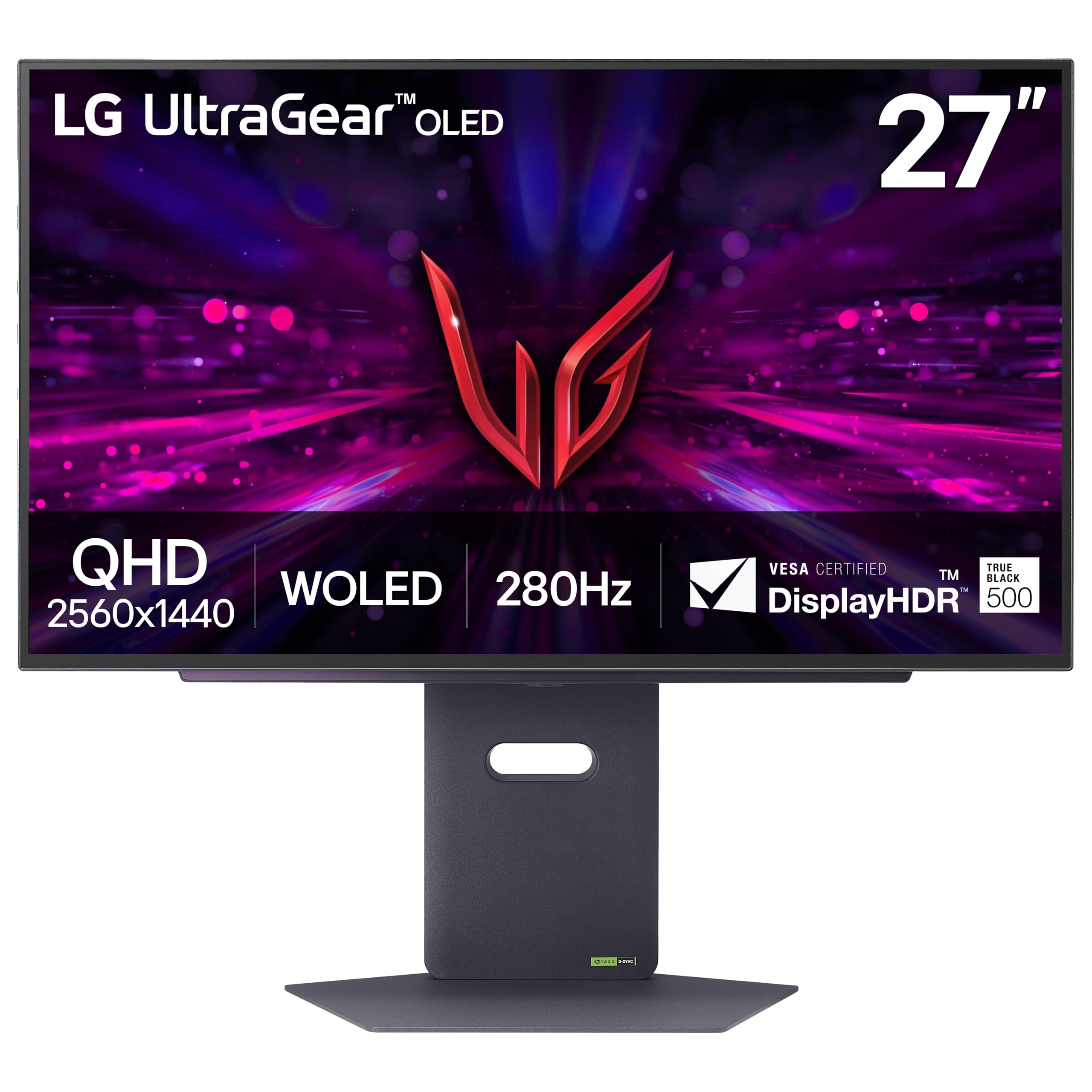
As of 3/18/26, in my opinion, this LG panel is the best OLED monitor you can buy in this price range. I purchased this monitor on a sale, so prices might differ. The panel offers the smoothest video you can find in this price range monitor. Colors are very nice and close to real (needs some tuning and adjustment). What made me like this panel over the other 3 (2 ASUS, another LG) was its color, brightness, and its newer OLED technology. Colors are very alive and deep right out of the box; with some tuning, you can adjust it very close to what you see every day on your iPhone (iPhone user here, eyes are trained for that screen).Brightness was another winning point. Comparing to the other 3 panels that I tried, this panel offers the best lighting. With other panels, what I noticed was that they get either too bright or too dim. This would really bother me playing battle royale games, constantly changing zones from dark to bright. Regardless of the adjustments, my screen would be either too bright that it would hurt eyes, or too dim, which would bother you and distract you from gameplay to mess with monitor brightness settings. However, this panel does not have any of those issues. It offers very balanced lighting regardless of how quickly the lighting changes from dark to bright.Performance-wise, this monitor shows picture in fast-action games with 0 blurring. I own an RTX 4070, and Apex Legends is my benchmark for performance since I have played this game for a long time. I benchmark hardware in this game because I am used to all the values and metrics in this game. Regardless of how fast you turn and move the screen, you will not see any blurring or delay for pixels refreshing. 280 strong hertz are packed in this panel.The other reason I chose this monitor was its OLED care system. I heard that due to its newer technology it has a lower risk of getting OLED burn issues; however, it does the OLED care job very well by itself. Every time you shut down the PC, the monitor goes into a screen cleaning mode to maintain the pixels. Every time you turn on the PC, the monitor shows you a message that OLED screen cleaning happened and it was successful, so no need for manually going through settings and activating OLED screen care like ASUS monitors.It has an RGB light in the back, which I do not really care for. It is very basic and simple, does not have any special effects or anything—just breathe, rainbow, and a few solid colors. The only good thing I like about the RGB is that it signals you when the monitor is doing its OLED self-care screen cleaning by doing a rainbow animation thing.So far, durable. Been using it for a few months now, and without doing any manual screen cleaning, I do not have any screen burn. I have Wallpaper Engine on my PC, so I have animated wallpapers that always change + my taskbar goes hidden.The panel is surprisingly thin and lightweight. Coming from a curved monitor, I was not expecting the panel to be this thin and this lightweight! I had to readjust the spring on my monitor arm; if not, it would shoot the monitor into the ceiling lol!I did not upload any pictures, because what you see on your device is never the same as what you will see on the actual screen.
You will not regret!!!
This is an amazing monitor. Seriously. Upgraded from a hp27q which also is a great 1440 165hz ips display. But the hdr, the contrast , the pure blacks, the amazing responsive of the oleds. Its just beutiful. One gripe woth this monitor is that it has vrr flicker, which means brightness fluctuates when u have variable refresh rate enabled (freesync/gsync). I recommend turning it off in the osd, and run it locked at the sweeeeet 280hz. Hdr also amazing , but normal sdr just as good. This screen has a matte coating so it doesnt reflect lighting to you like glossy screens would. This matte coating is different, it looks quite glossy, like a mix, seriosly the coating is something i havent even considered. Its perfect coating from lg, if u have any extra light in ur room, get this monitor. I wish the hexagon lighting back of the panel could be dynamic and mimic what's going on the monitor but it is what it is. The back lighting honestly helps brighten the desk just enough that I dont have to use a external monitor light. I would wait for this monitor on sale around 500 usd or under to buy this.
CChad Berlin
19 de mayo de 2026
Bad Banding, Great Image and Contrast
This being my first OLED monitor, I was very stoked to get it on a deal when I did, and aside from a few things, the monitor has been amazing. The contrast, especially coming from a normal LED monitor is great, and the built in settings lets you hone in most of the settings you need without really even needing a windows profile, unlike something I've used in the past. The refresh rate and latency is also very nice, I've had no problems with that and I've been able to move between refresh rates when I needed different things without any stuttering.There are two things that really bring the monitor down for me, though, to the point where it isn't quite 5 stars. The biggest one is the banding, or whatever you call the straight lines that appear across the screen, and it's most noticeable if you're on a page with a large amount of a static color, such as a web page or a text editor/IDE. For example, on this amazon page, the white forms into straight lines that span the entire monitor length. Many things have been tried to get rid of this, such as using the built-in pixel refresh, restarting it, using a different port, different cord, all that, however I believe it is simply something that comes with the monitor considering that I have also heard other people mention it/complain about it, and for an $850 27" monitor I do not think that's something you should have to constantly deal with. In addition to this, the LG software can be a bit of a nuisance, and though it advises that you always have LG switch on and installed, it can be a bit intrusive, especially whenever you restart your computer.All in all, it is overall probably not worth the $849.99 MSRP, however it's often on sale, so knocking a couple hundred dollars off it'll give you a very nice quality of image at a pretty nice refresh rate without TOO much hassle as you use it.
The Next Step Up in OLED Monitors
This is a true next step in OLED monitors with the Tandem OLED panel. This monitor looks just as good as previous model OLEDs but I am very happy that it now gets much brighter while also having less of a risk of burn in compared to previous generations of OLED monitors. The monitor itself was very easy to set up and came with all the cables I needed.The first main thing I like about this monitor, honestly, is the stand itself. The stand is not only very sturdy and helps to keep it firmly on my desk, but the monitor can adjust way better than any other monitor I've owned. In the past, it would be a struggle for me to raise the monitor to a comfortable eye level for me as most sit too low, but this one is perfect for me. It also swivels left and right and the screen itself can be rotated. So, regardless of what your use case for this monitor is, you definitely don't need another stand as the one it comes with is more than capable.As far as the quality of the monitor itself goes, I was blown away. I had been using a 4K display, so I was worried that the lower 2K resolution would be very noticeable. Fortunately, the downgrade in resolution was not nearly as noticeable as I thought it would be and the screen remains sharp and clear. Online videos, games, and general use all look great. The only issue I noticed is that the text fringing on some OLEDs is still semi apparent, but after my first couple of hours it was a non-issue for me. The screen was very easy to adjust to my preferred settings, but the display was very vibrant out of the box. I personally prefer brighter displays as sometimes even a very color accurate display would still look dull to me without the brightness to make it "pop." Previous OLEDs were borderline too dull for me, and I also knew that increasing the brightness would increase the burn in risk. With this new Tandem OLED model, I am happy to say that it gets almost nearly as bright as my main 4K Mini-LED display. The refresh rate is also easy on the eyes, and the fast response times make it feel snappy.The only main downside I've noticed about this display is that HDR content in Windows still leaves something to be desired. When properly set, some games absolutely shine, like the New York City area of the Dark Place in Alan Wake 2 looks awesome and made my jaw drop, but in other games, the HDR configuration just would be wonky at times and the same effect just made the picture not look as good. For example, Red Dead Redemption 2, a gorgeous game, looks a bit washed out, and no amount of configuring would fix it for me. I mainly use the display in SDR as it is brighter on average for me and I don't have to mess around with the HDR settings constantly. Maybe it's just me never really liking the HDR implementation on Windows, but it is worth noting. Some games also have VRR flicker, but it is barely noticeable to my eyes and only sometimes shows up in darker scenes.My overall high score for this monitor, however, is due to the value. Previous OLEDs I've tried in the past were far more costly yet had duller screens, higher burn in risk, and questionable warranty at times. With this model, the new Tandem OLED panel really does bridge the gap in terms of brightness, while also giving more vibrant colors. This feels like the first true example of what an OLED monitor should be, and I can't wait to see where future models go from here on out. I highly recommend it.


 Marca: LG