A great work mouse that proves not everything is about RGB lighting and thousands of DPI
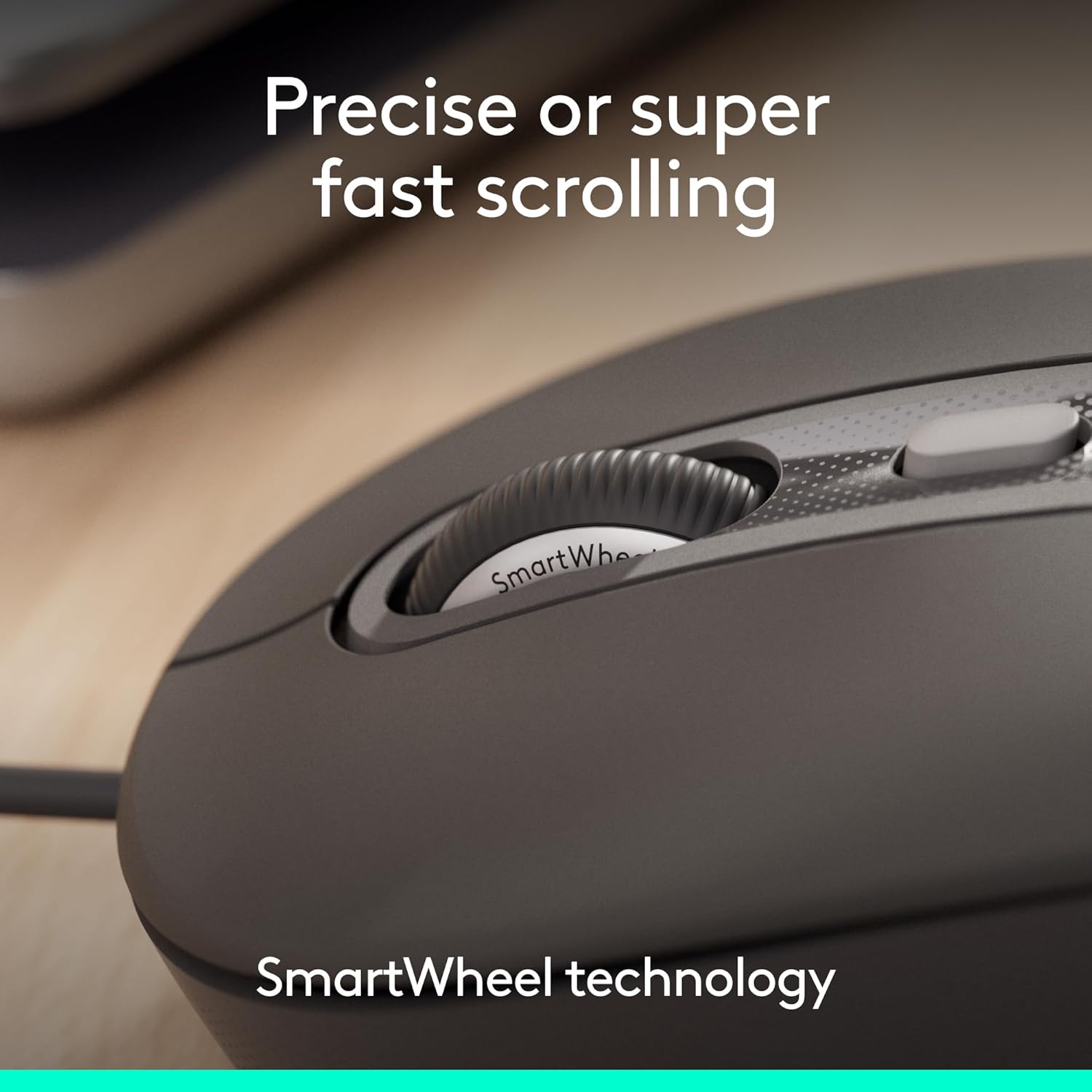
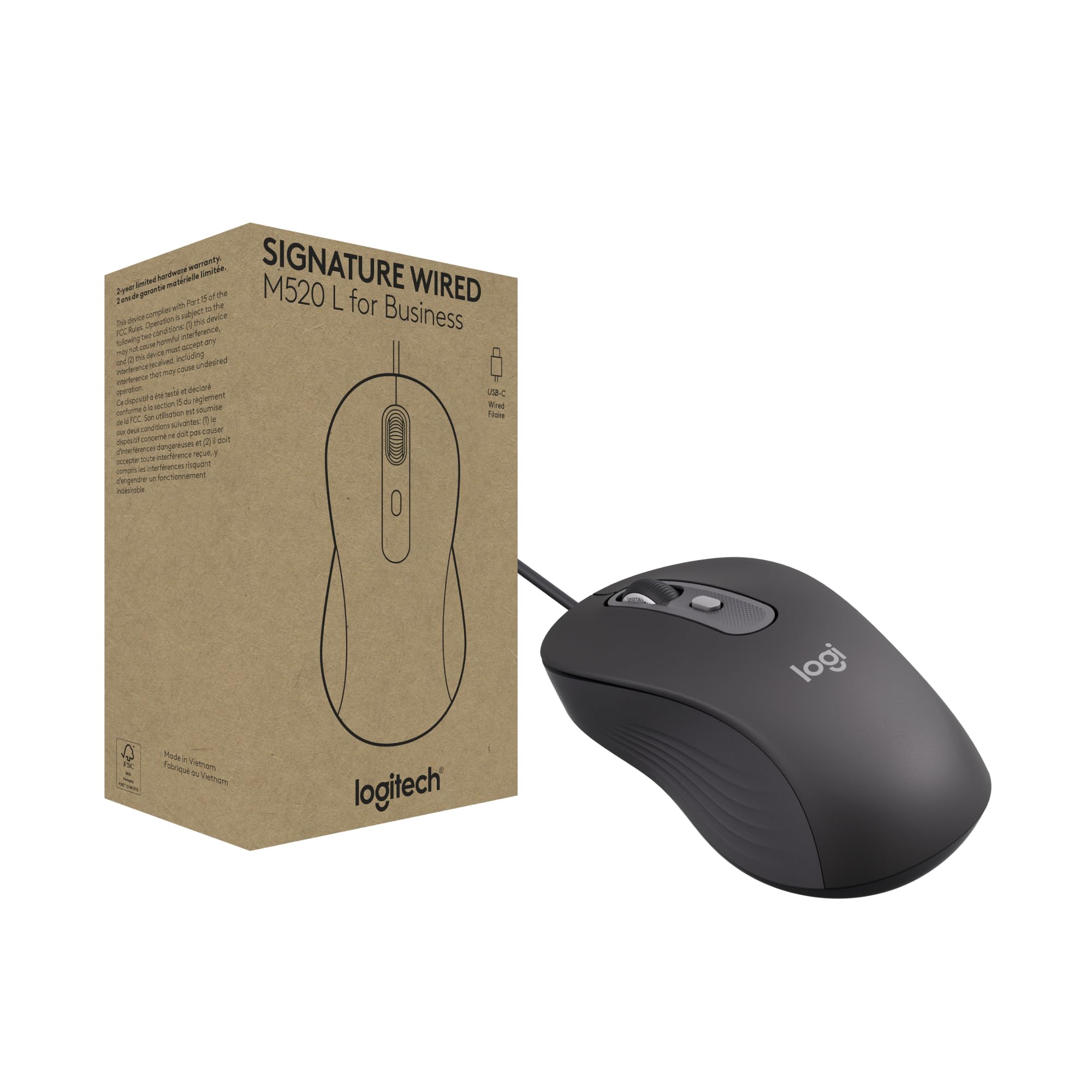
I bought this mouse because my new work laptop only has USB-C ports. I had been using my Logitech G203 through both a small USB adapter and a multiport hub, but at some point the mouse stopped registering clicks properly. I suspect there was some compatibility issue with the adapters because the G203 still works perfectly when connected to a standard USB-A port.Unfortunately, there are not many wired USB-C mouse options available, and the Logitech Signature Wired M520 L for Business has turned out to be an excellent choice if you're looking for a reliable, discreet, and functional productivity mouse. I use it primarily with design software that requires constant clicking, but also for document work where scrolling performance is important.What impressed me the most is how quiet it is. Not only are the clicks nearly silent, but the scroll wheel is also remarkably quiet. Logitech could probably reduce the scroll noise even further, but it is already far quieter than most mice I have used. The SmartWheel scrolling is smooth, fast, and precise, making it easy to move through long documents quickly while still allowing accurate control when needed. After more than 20 years of using Logitech mice, including the M110 and more recently the G203 Lightsync, I can confidently say that Wired M520 L for Business is designed with a completely different goal: providing comfort and efficiency during long work sessions.I did not intend for this review to become a comparison, but I think some context is useful. Compared to the Logitech M110, the difference is significant. While the M110 is a perfectly capable basic mouse, the M520 feels like a much more refined product. The weight is very similar between the two, while both are noticeably lighter than the G203, which is the heaviest of the three. All three mice are roughly the same size, and since I have large hands, I find them all comfortable. That said, the M520 offers the best overall ergonomics.The sensor is noticeably more precise than the one in the M110, although not as performance-oriented as the G203. The G203 also offers RGB lighting and additional programmable buttons due to its entry-level gaming focus, but those features are not something I need for productivity.Another thing I appreciate is that Logitech did not try to turn this into a mouse that does everything. It is clearly designed for productivity, and it excels at it. There is no RGB lighting, no excessive number of buttons, and no gimmicky features. Everything included serves a practical purpose. The overall experience is very similar to the simplicity of the M110, just with much better execution and only a slightly higher weight that is virtually unnoticeable.I personally prefer wired mice because I dislike worrying about battery life and generally prefer a consistent wired connection. The cable length is generous, and I have no complaints about it. Some users may wish it included a couple of extra programmable buttons, but for my needs it performs exceptionally well.Overall, I believe this was an excellent purchase. It is not a flashy mouse that stands out at first glance, but it is an outstanding tool for getting work done without distractions. If you're upgrading from a Logitech M110, the improvements in comfort, precision, build quality, and overall user experience are noticeable from day one. If your priority is gaming, customizable lighting, or extra buttons, this is probably not the right choice. However, if you want a dependable work mouse at a reasonable price, it is one of those peripherals that quietly excels simply by doing its job extremely well.
MMeesh • A Cup of Tea With Meesh
Smooth as butter and eco-friendly
I spent a LOT of time on the computer as a freelance writer who also writes for fun. And it might sound funny... but the feel and function of a mouse really impacts my workflow.If the click is too clangy, if the wheel sticks, if the overall shape of the mouse isn't seamless in my hand, my productivity isn't as good as it could be. This was the case with my previous mouse. It wasn't awful, but it wasn't optimizing my workflow. Iykyk!I needed a wired mouse because the wireless options don't seem to react as quickly when used with my laptop (which requires a USB extender). This wired Logitech mouse sounded like the perfect option based on claims that it's quiet and super-smooth to use.I'm thrilled to say that, after using it for a couple of weeks, this thing is as smooth as butter... literally! The exterior material is soft and comfortable to handle all day. It's also perfectly responsive, though I would expect nothing less from a wired mouse. As far as noise goes, it's pretty much silent.Some other pros:~ Works instantly upon plugging it into my Windows laptop.~ The smart wheel is perfectly responsive and also silent.~ It's heavy duty and feels quite durable. I don't expect it to give out anytime soon.~ I like that it's a USB-C so I can plug it into my Dell laptop rather than the extended USB port.~ It's made of 73% post-consumer recycled plastic and responsibly sourced packaging materials, which is a win for sustainability and a bonus if you're outfitting your workspace with Earth-friendly tech.~ It's a power-saving model that consumes 68% less energy. This isn't necessarily noticeable on the consumer end, but good to know.Potential con: The listing mentions using an adapter for USB-A inputs, but there aren't any included in the box. It's also a little pricey, but in this case, you get what you pay for.Overall, super happy with it. I will likely purchase another as a backup.



 Marca: Logitech