Great purchase
For the price, this is insane value and honestly, a great monitor. I've been using it for a few weeks now, and it's honestly great and makes games look really well and vibrant. I also love some of the features, such as the crosshair that you can toggle on and off. But one of the best things about this was how easy the setup was. This was my first time having a monitor like this, and it took literally less than 5 minutes to have it up and ready, which I loved, as it allowed me to immediately jump into games. The only downside on mine, at least, is that there's quite a bit of clouding when it's displaying blacks, but other than that, I haven't ran into any other issues, and it's honestly a great purchase, not only for the price but for the quality and how easy it is to get mounted. I wasn't sure what to expect when I bought it, but I'm more than satisfied with what I got.
Incredible Performance and Value – So Good I Bought a Second One!
First of all, please don't mind the photo's I was in the process of testing out microphones! Room was a little messed up at the time just focus on the monitors lolI originally purchased one of these SANSUI 24-inch curved monitors to upgrade my gaming setup, and I was so impressed with the performance that I immediately ordered a second one for a dual-monitor display.Display and SmoothnessThe 160Hz refresh rate is a total gamechanger. Transitions are incredibly fluid, and I’ve noticed a significant improvement in motion clarity during fast-paced gameplay. The 1080P resolution is crisp for a 24-inch screen, and the 1500R curve provides an immersive feel that really draws you into the action without being overwhelming.Design and BuildThe build quality is sleek and modern. The curve is perfect for reducing eye strain during long sessions, and the bezels are thin enough that they look great sitting side-by-side. Having two of these mounted next to each other has completely transformed my workflow and gaming experience.Color and ContrastThe colors are vibrant right out of the box, and the contrast levels are excellent for this price point. Whether I’m gaming or watching videos, the picture quality is consistently sharp and well-balanced.Final VerdictIt is rare to find a high-refresh-rate curved monitor that is this reliable and affordable. The first one worked so well that doubling up was an easy decision. If you are looking for a smooth, responsive, and visually impressive gaming monitor, this is an absolute steal. Highly recommended!
TTheo
21 de octubre de 2025
Nearly perfect save for the backlight bleed
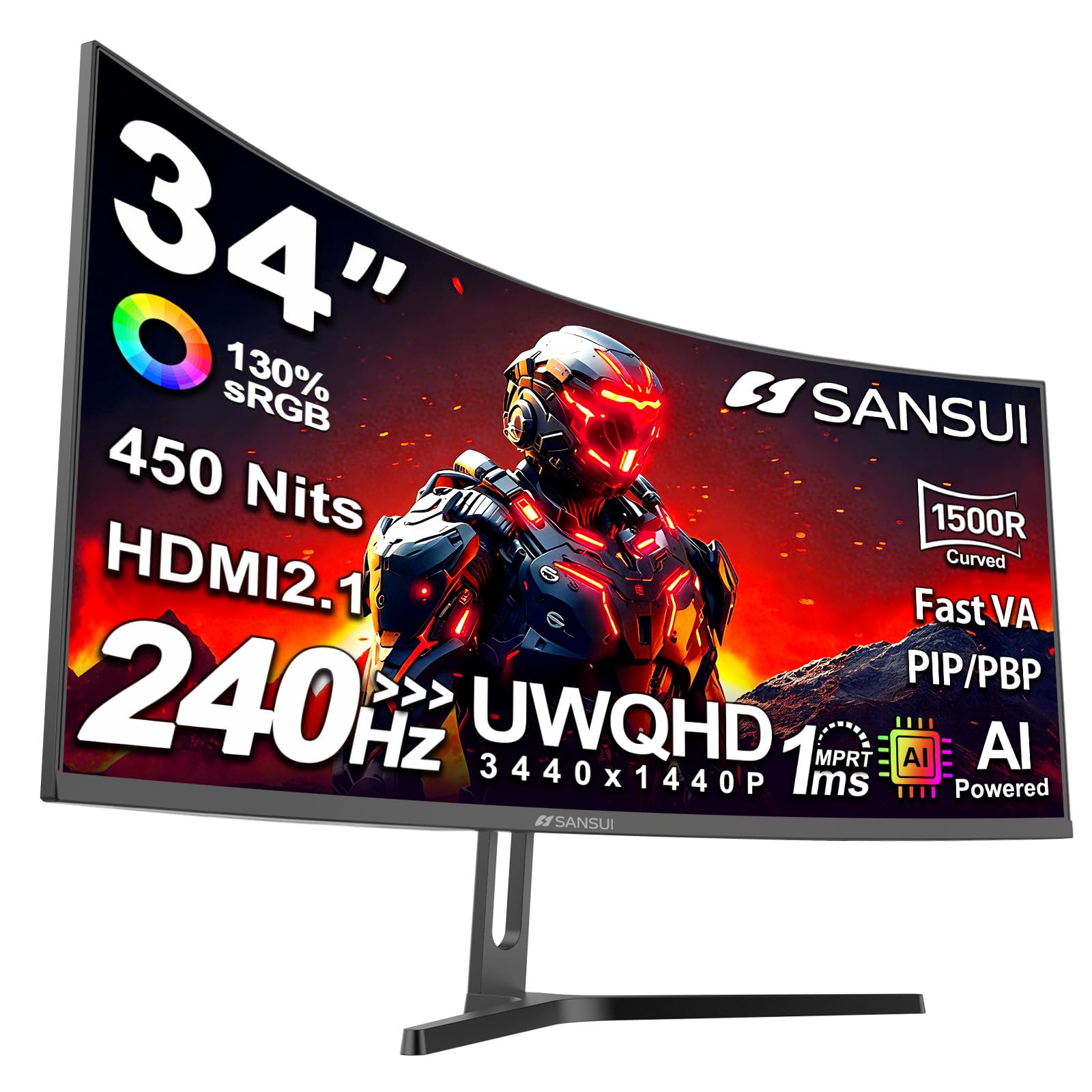
I was looking to update my gaming setup to a good, fast, ultrawide gaming monitor for a budget price, when I came across this one which looked to tick more of my boxes:🗹 240Hz + no/low motion blur + FreeSync,🗹 ultra wide (at least 21:9),🗹 curved, &🗹 HDR supportat a significantly lower price ($270 when I bought it) than the competition. At the time I bought it, there were just three, brief reviews of this model that didn’t really answer my questions—which is why I’m writing this one.TL;DR = It's an outstanding value and I would recommending it for anyone on a budget looking for their first gaming monitor because it gets so much right; but… that said, in the end, I returned it for a refund. Read on for why.THE GOODFor the price, the build quality is quite nice; it comes with a sturdy metal stand and the classic black æsthetic looks good. I quite liked the curve (1500R)The panel had zero dead pixels. It’s quite a bit brighter than what I was using—especially in HDR mode. I am extremely sensitive to flicker, but with FreeSync enabled, I experienced zero variable refresh-rate related flicker. [Pro tip: if you notice flicker/strobing with VRR, open your graphics driver settings and cap the FPS to “refresh rate - 2” (e.g., 240 - 2=238), which will force the VRR to always be active. I do this by default.] Traditionally, VA panels have a reputation for motion blur—which rather defeats the purpose of getting a high-refresh rate monitor. Happily though, this monitor really does use one of the new breed of “FastVA” panels. At 240Hz (and using, if I recall correctly, the “dynamic overdrive” setting), the Blur Busters UFO test results were quite impressive: I could clearly see the alien’s pupils and there was only very minimal trailing ghosting. While gaming, I NEVER noticed any motion blur; but…THE NITSThere was some motion blur when scrolling black text on a white background: a light grey ghost text was briefly visible.With HDR mode enable, one cannot adjust the brightness; I’d have liked to try turning it down to see if it could make dark colors darker (specifically, in low contrast scenes—in high contrast images, it’s not an issue), and perhaps help mitigate…THE BADOver the years, I've used a lot of LCD and I've come to expect some backlight bleed (and non-uniformity) with edge lit models, and so I was prepared to see it on this monitor. However, it was the worst I’ve experienced: it was clearly visible not just in dark, low contrast scenes (as expected), but surprisingly, in _bright,_ low contrast scenes, where it imparted a distinct pink glow to the affected areas. [Note: in most games, low contrast scenes aren’t the norm and the backlight bleed was NOT an issue when playing games set in a brightly lit area; however, it was noticeable when the scene was dimly lit.]OTHER THOUGHTSCompared to the 48” 4K@120Hz 16:9 monitor I’d been using, this one has fewer pixels (roughly 8.3 million vs. 5 million), allowing the graphics card (an RX 9070 XT) to reach a noticeably higher FPS. However, save for rather old games, I seldom reached the monitor’s cap [240Hz refresh = max 240 FPS]. I really liked the smoother graphics that the increased refresh rate/FPS enables.Horizontally, they have about the same number of pixels (4K = 3840, UWQHD = 3440) and I didn’t notice the difference. I had this monitor sitting much closer to me, so that from where I was sitting, they looked to have the same physical width. In the game I play the most, I tweaked the field of view settings so that they both displayed (horizontally) the same amount of information. I quite liked the curve on this monitor: it did make it feel more immersive. However, I missed the added height the 4K monitor provided, finding the Sansui’s 1440p felt claustrophobic compared to other one’s increased vertical height at 2160p.When I first set it up, I was quite disappointed by the backlight bleed and immediately thought about returning it. But then I decided to give it a try. I used it for about three days, Then went back to the 4K monitor for a week. Then used this one for another week. When I again went back to the 4K monitor, I felt like I’d given the Sansui a fair shake. I really liked the higher refresh rate, the lack of motion blur (at least when gaming), the curved panel, and the brightness. If I didn’t have the 4K monitor, I’d have kept this one despite the backlight issue. Since my sample size is one, I can’t say if the severity of the backlight bleed I experienced is typical or unusual for this model.[Aside: I purchased this with my own money—though I am an Amazon Vine reviewer, this was NOT a “free review copy.”]


 Marca: SANSUI