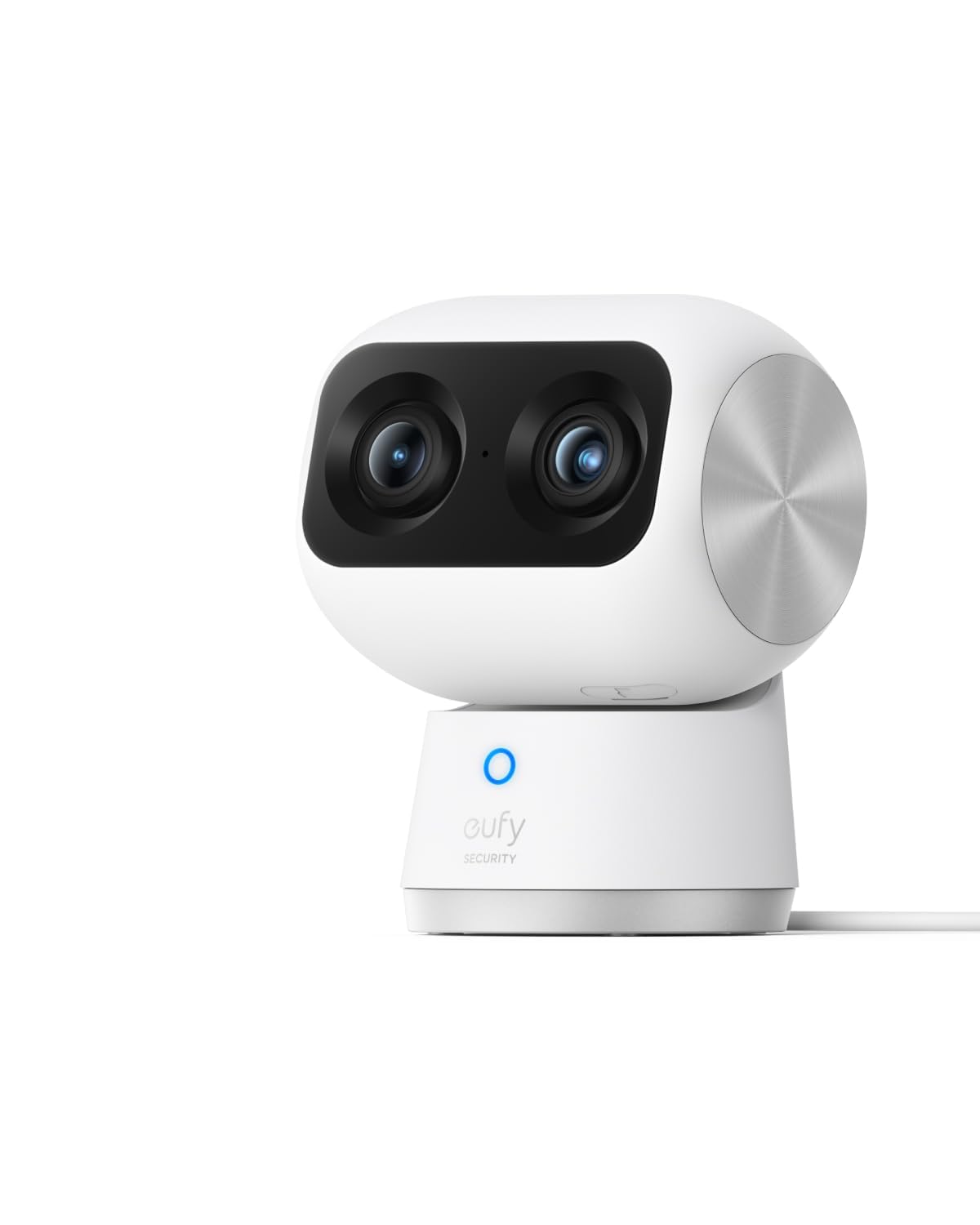
eufy Security 4K Indoor Cam S350, No Subscription, Dual Cameras, 8× Zoom
Más de 1.000 compradas el mes pasado
US$119.99
Precio en USD + envío por peso real. Llega en 5 a 10 días hábiles con Envi Express. Pagá en línea con tarjeta.
Más de 1.000 compradas el mes pasado
US$119.99
Precio en USD + envío por peso real. Llega en 5 a 10 días hábiles con Envi Express. Pagá en línea con tarjeta.
4,4
2.322 calificaciones
Las calificaciones provienen de Amazon.com.
Living in Hawaii
7 de abril de 2025
This one camera replaced two plus added options in the app.
Short answer, I love the camera, it is a huge improvement over the S220, and I highly recommend it.Longer version:I have the Eufy S220 and have been impressed with it. I only take it out when I go on trips. It amazes me that all I have to do is plug it into power and it boots right up and the app has no problems connecting to it. I wanted to get a second camera for better coverage and was going to get another S220 and found this one on sale.It is great upgrade. Installation was simple (with one hiccup that I'll address later) and the clarity is fantastic. I was amazed how close I could zoom in using the telephoto lens then getting up to three times additional digital magnification using the app.Two added features stand out. The first is the camera's ability to automatically move to wherever I touch on the screen. The directional controls on the app have always been a bit laggy and I constantly overshoot. But now I can press on the screen where I want the image to be centered and the camera moves there perfectly. The second is the presets. I can save four camera positions in the app and by pressing one of those buttons, the camera will swing to that location. It even remembers which lens to use, wide or telephoto. And I can designate one of the presets to be the default location. After a set amount of time, the camera will move to that location.I don't know why these features are not available for the S220. It feels like an app feature and not camera dependent. But the S220 looks like it was replaced by the E220 and maybe these features can be used with this new camera. I don't have one of those to confirm or deny.The one issue with the install that I ran into was inserting the memory card. I went through the installation process and when it came up to video storage, the app said no memory card inserted and asked if I wanted to set up cloud services. I looked at the paperwork and all over the camera and didn't see the memory card slot. I finally found it using the drawing on the instruction sheet included in the box. It is under a cover in the barrel part of the camera that tilts the lenses. But it is only accessible when the lens is pointed up. Which can only be done by using the app, which only works after the camera is installed. To avoid any problems, I installed the camera in the app, said I would deal with the video storage location later, tilted the camera up, removed power, inserted the card, then told the app to delete the camera. Then when through the install process again.I like the Eufy cameras because they offer on-site storage. Through a memory card on the camera or using their Homebase local memory storage unit. No subscriptions and monthly fees. And the cameras just work. I haven't had any problems with the older camera and so far the new one has been just as good.Is it worth the huge increase in price over the E220 (current version of my S220)? Current price of the E220 is $35 and the S350 is $130. It depends on your situation. Originally I was going to get a second S220 to get closer view of an area. With the single S350, I can actually put away the S220. With this one camera, I don't need two separate ones because the additional zoom lens allows me to get that close up view. I can also see additional areas (close up) that I hadn't considered, but now realize I would have wanted. I would have needed a third camera to take care of that. Also the added features in the app makes it easier to use for me. For me, the additional cost was worth it.
Mark D. Schnittman
2 de junio de 2024
Awesome cameras for the money
I had previously experimented with cheapo cams, really just to keep an eye on the pets when we were occasionally away. With time, I started to appreciate how I could use the cameras as part of a real home smart security/monitoring system. I was originally planning on connecting the cams to my QNAP NAS -- which I could have -- but, in the end I decided to go with a dedicated hub for the security system and use the NAS for scheduled backups. My decision to go with this setup revolved around a few important things (to me): 1) security -- I wanted a system that wasn't dependent on cloud storage, and I wanted fully encrypted data streams -- both for local and remote access; 2) I didn't want any cloud-based AI, again for security reasons; 3) quality design and performance, and 4) I didn't want to get roped into a subscription, as most of these systems require. This is really the only package that I found that was both reasonably-priced and checked all of my boxes. I purchased and am using 2 of these cameras, along with a water/leak detector with a Homebase3 with a Crucial 1 TB SSD HD installed. The setup process was brilliantly designed -- smooth, took the least amount of time for actual setup possible, walked you through the entire process with audible prompts -- the setup really couldn't have been better. Other companies should take notice -- this is how to do it. Exploration of the features, menus, and config options will take some time, but getting the system up and running took less than 1 hour for 2 cameras, 1 sensor, and the Homebase3 with extra storage installed. The picture quality of the cameras is very good. The motion tracking is amazingly accurate, and the motion of the camera repositioning is fast and smooth. The zoom is cool. The performance is night and day compared with what I was using prior. I purchased a 3rd party mount with 1/4" threaded inserts so I could reuse the mounts from my older cameras. It was worth the money to not have to redo the mounts -- these are what I bought:https://www.amazon.com/gp/product/B0CT2JS5GT/ref=ppx_yo_dt_b_search_asin_title?ie=UTF8&psc=1There are many advanced features that I'm not going to get into here, but for the price, these cameras are great. I plan on getting 2 more Eufy cameras for outdoor use (solar-powered for the front and back lawn/pool area), in addition to another water/leak sensor for the laundry.BTW, I have this connected to my Asus mesh system, with the Homebase3 connected to the LAN via CAT5, and the cameras and sensors on WiFi. Everything works perfectly in my 2500 sq ft 3 floor home. Highly recommended.
Meow
Will buy again
Im enjoying this guy quite a lot. I dont know why i havent gotten this guy before. Was easy to setup, handle recording well and live feed well. Took a few moments to setup but wasnt to complicated. Due note you have to recalibrate your defaulf camera angle if you up and move the camera to different locations. Oh also, it may bug some people, it has a default blue light on 24/7. Its a soft glow , nothing bright, but it just indicates that its on.App is friendly, no subscriptions, no unwanted ads, i love the fact that i can have all my videos saved onto a Ssd card , view em from my phone via app and download em with no issue.Came with mounting bracket and it made mounting it to a wall super easy. Screws included. Its as small as a cup but it quite powerful in quality and reaction speed. But it can be a bit senstive. Sudden change in light differences like shadows can trigger it but its a settings issue that needs to be tinkered with.Ill def get more, but now i need more ssd cards now lol
Brandon
10 de mayo de 2026
Great picture quality with some quirks
This is a nice camera with good video quality. I was particularly impressed with the low light night time video quality and the 3x zoom. I purchased this to keep an eye on my dog while I was away from the house. I docked it one star for two reasons: set up and false positives.I was shocked how difficult it was to get the camera to connect to the Homebase 3 unit. This is my first eufy device and I expected it to be as simple as any other device in today’s age where you just turn it on, the Homebase sees it, and you’re done. Instead I spent over an hour and a half trying everything imaginable to get the camera to connect. I was very close to giving up and just returning everything when it finally decided to connect. Since the initial setup, everything has been seamless and I haven’t had any issues. I hope eufy invests some time in improving this process.The second issue is false positives. Sometimes the motion detection gets triggered by light reflecting off a car driving by my house. Just a bit of a flash from the sun hitting a car just right to reflect briefly through my living room window and now the camera is recording and sending me a notification. I also have a painting of a bison on the wall and for some reason the camera is obsessed with it. The camera is supposed to track the source of motion but instead it fixates on this painting of a bison. Eufy, I promise no one has a multiple thousand pound bison in their living room. It would be nice to tell the camera “ignore this area of the wall” but that’s unfortunately not possible.