GGeoffDW
29 de diciembre de 2025
If You Read the Instructions - It Works Very Well!
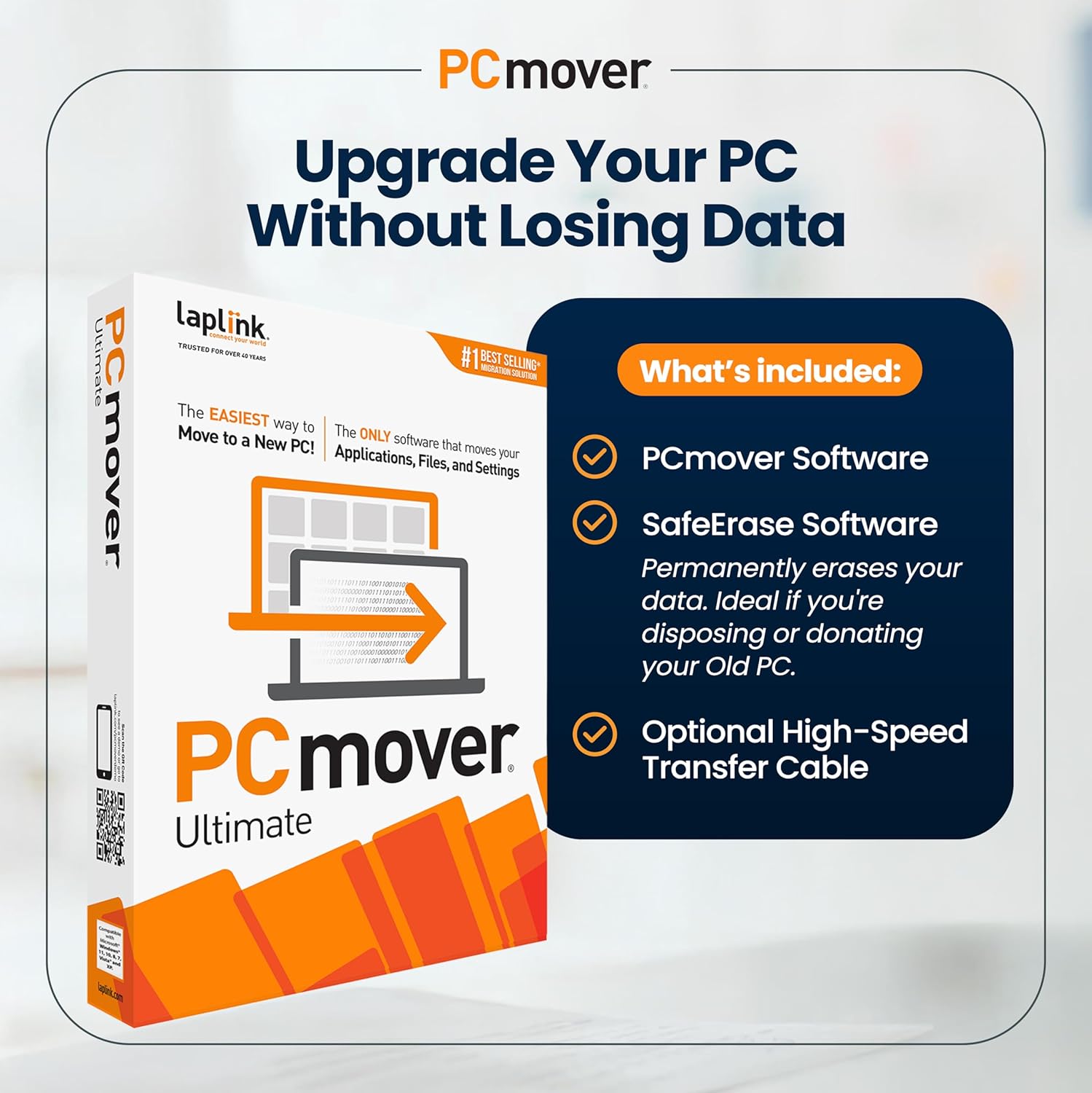
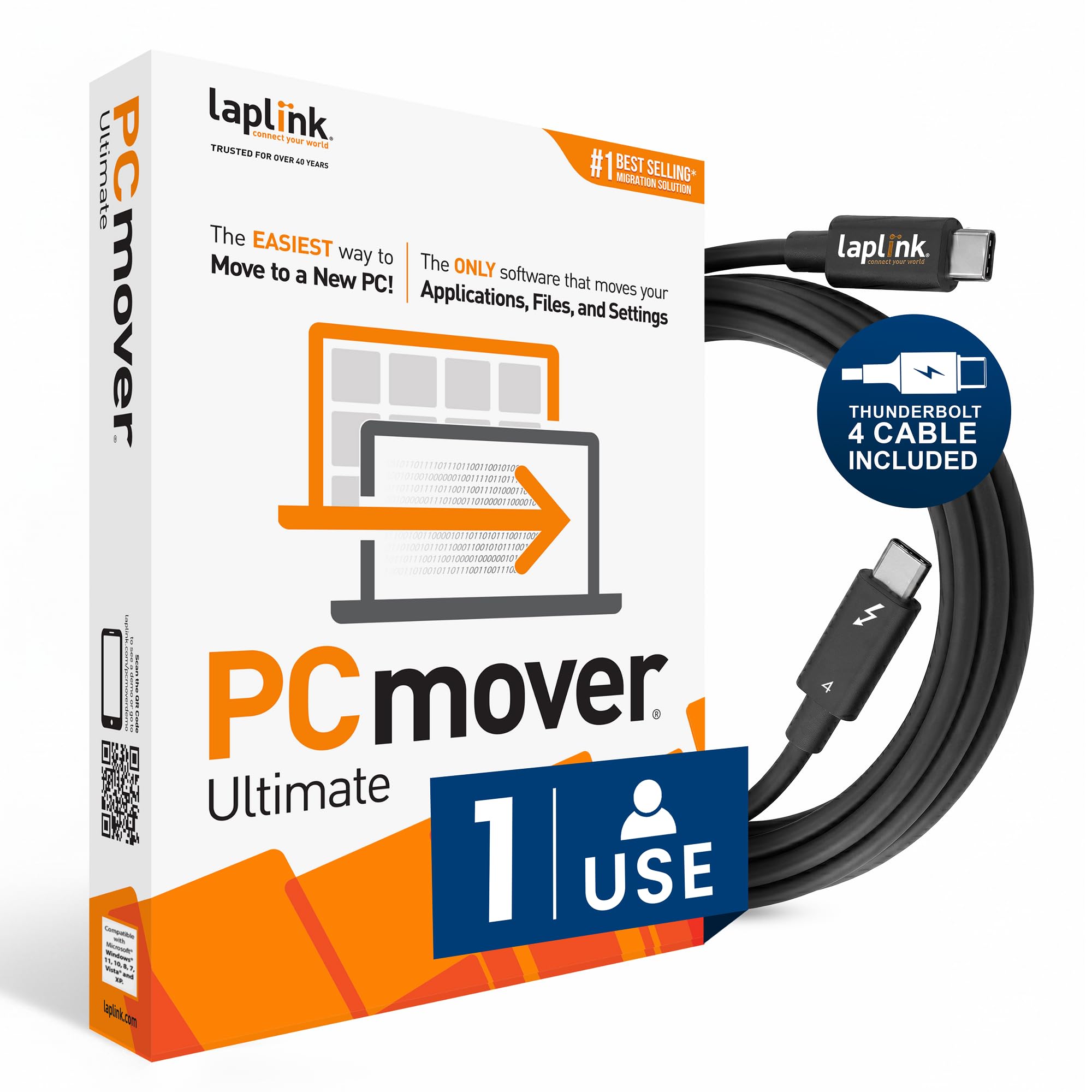
BACKGROUNDI had an 8 year old desktop that was a top of the line workhorse (dual graphics cards driving 6 screens, 64MB RAM, and multiple TB HDDs) when I purchased it. I do significant MS Office Professional use for research, writing, standards development, and have over one-hundred applications installed. Because it was originally an MS Windows 10 machine that was updated to 11-Pro over the years, it had become kludgier and slow to load applications--and developed some lock-up glitches. I purchased a new top of the line Desktop as its replacement but looked forward to the data transfer as much as I look forward to prepping for a Colonoscopy.After researching the available applications, I settled on Laplink PCmover Ultimate 11. I went ahead and purchased the high-speed USB cable to perform the process only because I have so many USB cables that have different wiring schemes I would rather not take a chance of using the wrong one.I studied the manual by reading and re-reading it. I realized that I would have to provide the codes for my MS apps, but was really hoping for a relatively painless transfer of approximately 2TB of data, apps, and settings and not having to re-customize application settings and menus.FUNCTIONALITYI believe that most folks that experience issues with the transfer process are the ones who DO NOT complete the rather robust checklist of tasks to complete prior to initiating the transfer process--and don’t pay enough attention to the specifics. There are settings and configurations that must be altered, programs (like Antivirus Apps, firewalls, backups, etc.) that must be uninstalled or disabled, and other steps that must be completed prior to starting. The list was straightforward and maybe took a couple of hours to complete.The analysis portion of the process took a couple of hours and then it produced a checklist of items it thought would go well, might go well, and wouldn’t go well at all. I found a couple of issues that I needed to take care of and then had it re-analyze. One item I found odd was that none of my MS Apps showed up – yet they transferred seamlessly, including lots of customized menus, settings, and shortcuts. The transfer process itself stated it would take about 9 hours, but it was completed in about 5 hours.VALUEOverall, I am very pleased with how well it worked. I really did not have any issues except for a Legacy multi-page bulk scanner that couldn’t handle 11Pro--and all support and software updates had previously been discontinued by the manufacturer. A good excuse for a new model.After entering many activation licenses, I was up and running without any difficulty—even odd and proprietary customized software worked like it had never been moved. I have not discovered any latent issues with the transfer.I have not had any contact with the manufacturer or received any gift, donation, credit, or money for this review. Best of all--my fear about the colonoscopy never materialized!
Wwfalcone
10 de junio de 2026
Very easy to install and use
This product is great, it does what I want it to do, moves all of the files and applications from one computer to another. It is easy to install and use, quick to move the files and a great product. About the only thing I can see that I wish they would change is the use, I only work on my computers, not computers belonging to anyone else. It would be nice to allow the purchaser to be able to use the software multiple times but only on their own personal computers and to be able to use it on any computers that they own versus having to purchase an additional license for each computer pair. In other words, license the product to a user for a single use on a single pair of computers. I hope that is easy to understand. I'm giving it a 5 star rating because it does what it says it does.