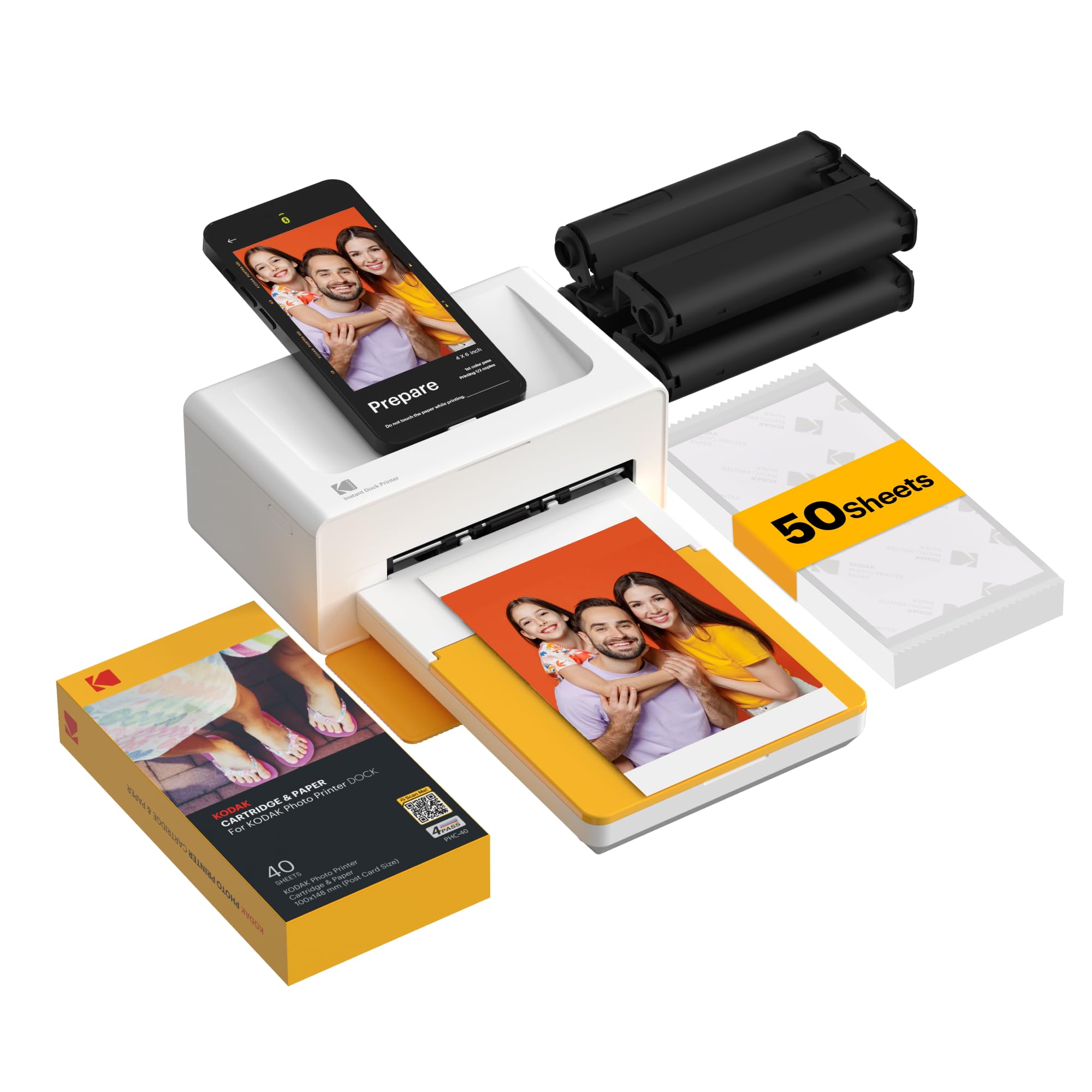
KODAK Dock Plus 4x6 Photo Printer, Smartphone Docking, 4PASS, 50 Sheets
Más de 5.000 compradas el mes pasado
US$159.99
Precio en USD + envío por peso real. Llega en 5 a 10 días hábiles con Envi Express. Pagá en línea con tarjeta.
Más de 5.000 compradas el mes pasado
US$159.99
Precio en USD + envío por peso real. Llega en 5 a 10 días hábiles con Envi Express. Pagá en línea con tarjeta.
4,2
19.658 calificaciones
Las calificaciones provienen de Amazon.com.
Lacie H.
4 de agosto de 2026
Love this product!
Although I’ve only had this for a week, I’m loving this printer! I’ve printed nearly 200 photos with it and it’s worked very smoothly. There have been a few times where I had to restart it (maybe twice in all of the photos so far). But it adjusted itself and went about its business. Honestly, my favorite purchase in like 5 years. Having tangible photos on demand is amazing! Simple, affordable, and practical.
Sharon Peery
12 de julio de 2026
People take pictures with their phones, I would not recommend
Great small printer. I would probably not buy again due to people using their phones to take pictures. I would send it back but directions don’t tell you how to put it back so it will fit in the box.
Shantastic Living
UPDATE!!! With a humongous thanks to KODAK
Shout out to Kodak Photo Printer Support for EXCELLENCE in customer care.This company has the absolute best customer service I've encountered in a long time. This thing was a huge frustration and I was clear about that. They responded and offered to "trade" my yuk one for a new one. Their communication was courteous, respectful and PROMPT! They reached out after my complaint - within a day. And from there, communication was consistently excellent. I am so appreciative of my new printer! I have not gotten to try it out yet - I will this weekend and will add pictures. I just had to take a moment to send a huge shout out to Kodak Photo Printer Support | Prinics.#kodakcares #kodakphotoprintersupport #Prinic #kodakWhen I see or experience excellent customer care, I like to share share share the joy!First time I went to print, it printed yellow and pulled the page in to print magenta and stopped, then spat out a strip of ink-film with my yellow layer and apparently the ink cartridge was destroyed.I took so long to try it that I am past return period so…will order another film cartridge and hope for the best.What a totally frustrating situation!
Timreh Revlis
8 de mayo de 2023
Very poor instructions. For something so simple, instructions should have been easy.
For something you might think should be simple... print a picture from my phone, Kodak made it incredibly difficult. First, the instructions are so TINY I had to scan them into my computer and enlarge them. Even then, at the largest I was able to clearly make them, they were so small they were difficult to read. I suggest buying a microscope with this product to read the instructions. Then again, the tiniest instructions were just the safety precautions, so I suppose you can get by without reading those.The instructions leave so much out. "Just launch the app, choose photo, select print number, select printer icon." Right. Very little in those steps matched what we experienced on our phone. In the instruction images, step 3 has a hand pointing to the lower right icon that says “copy.” The instructions call that “Select print number.” I can’t imagine how those relate. The instructions just leave it there.There is an extraneous asterisked note: "*Select SNS if you want to print the photo from it." Nothing else about SNS in the instructions, just a random phrase in the "Printing in the App" portion. Nothing in the text above that linked to the asterisk.First, don't download the app until you have the printer connected to your phone through your Bluetooth configuration. Otherwise, on Android, you'll repeatedly be taken to the system app settings page instead of the app. You'll have to uninstall the app, turn off the printer, turn on the printer, connect the phone to the printer through Bluetooth, and reinstall the app to get it to work.In the app, the Bluetooth icon starts red. When the App's Bluetooth icon is YELLOW, it's ready to print. Yellow doesn't indicate to me something is ready. Green or blue would have been more appropriate for "ready" or "go."For some reason, the phone's native photos received a warning about low resolution. So far, only photos received from another phone seem to be full resolution. We didn't notice a difference in print quality, however.If you get a "jam..." good luck. On the second photo we tried to print we received a paper jam. It didn't look crumpled or mutilated, it was just half-way through the printer. We followed the instructions on "Paper jam." The printer made a bunch of noises. The paper stayed in place. We had to remove the paper tray and the ink cartridge and pull very hard to get the paper out. It ruined the paper in the process. It appears we can only load one page into the printer at a time or it "jams." We don't want to waste the paper, so we're hesitant to load more than one sheet at a time.Finally, the printing process is slow and cumbersome. It prints the photo in four SLOW passes. Yellow forward and back, Magenta forward and back, Cyan forward and back, and a clear coat pass called "Protect" forward and back. I expected more advanced technology at this stage in the game.We're very disappointed in this printer. If I had known how poorly designed it is, we'd have paid a bit more money and chosen a better product.