BBill P.
12 de mayo de 2021
Super fast, light, and small. Will get warm but not to extremes
The first time I used this drive I did notice that it got very hot. I'm not sure why but upon subsequent uses it has gotten warm but never so hot that it slowed itself down or came close to causing any internal damage to the drive. I did not update the firmware and I formatted the drive as ExFAT.The size is amazing. I can stick this in a pocket easily. It's smaller than a credit card and my wallet is thicker than this thing. It comes with a USB 3 to USB-C cable and a USB-C to USB-C cable. So you'd think if you have a USB-C capable computer you'd use it and I almost always do but there are times when I have both my USB-C ports taken up so I'll use a USB-C hub to connect this drive with my other external devices. I only do this in cases where speed is not as important and I can afford USB 3 speeds. Usually this is when I'm backing up the work I'm doing on the T7 to another external HDD that is only capable of USB 3 speeds. There's no benefit to be had when you're transferring files to or from a USB 3 drive and a USB-C drive. You're limited to the slowest link in your chain. Now, when I do music production I make sure to keep a USB-C port free for this drive and the speeds are so fast that it's as if I'm working off my internal SSD. Almost no noticeable difference in speed at all.I use this drive with my M1 MacBook Pro for music production. I keep my Logic Pro sound library, all my logic sessions, and my own personal sample library on this drive. I connect over USB-C and the drive is more than fast enough to do music production directly off of it without having to transfer anything to my internal storage. All of my music production is now done directly off this drive and the only thing running off internal storage is my DAW itself. Audio and video production takes a ton of storage space so having a drive like this that's fast enough to run audio and video production from is a lifesaver. I no longer have to worry about how many samples or libraries I want to install and I can just buy a bigger T7 if I ever run out of room on this one. Generally, I will move finished sessions to a regular USB 3.0 HDD for archiving and this SSD is more for working directly from.There is one time when the drive can be just a bit slow. There is no lag time whatsoever when recording or loading files. The only time I see a lag is when saving a Logic project session file. I'll get a spinning beachball for like half a second. It's not a big deal at all but I know that if I was using internal storage it wouldn't do that. This slows me down by only half a second every hour. It's not even worth mentioning but I guess I am just to be thorough. I mean, this thing is fast as hell but in the end it is still an external drive and technically it's going to be just slightly slower than your internal drive.
RR. Mumma
29 de julio de 2025
Excellent Quality & Compact. Fast, Reliable, Great Value
Very compact and fast transfer speeds. I have the T5 version in 256G and its been very dependable but with 4k & 8K videos these days it doesnt take much to fill 1TB let alone 256. For the quality I think its a good value for the price. The T7 &T5 are also very reliable, I have never had a lost or corrupted file. This drive fits in a pocket easily, very light and small, and is also compatible across all of my portable devices, including my Android phone, Mac Mini & MacBook Air, and my Windows laptop. I also use the same drive as my Time Machine backup drive for Mac.
Fast, Reliable, and Compact — The Perfect External SSD
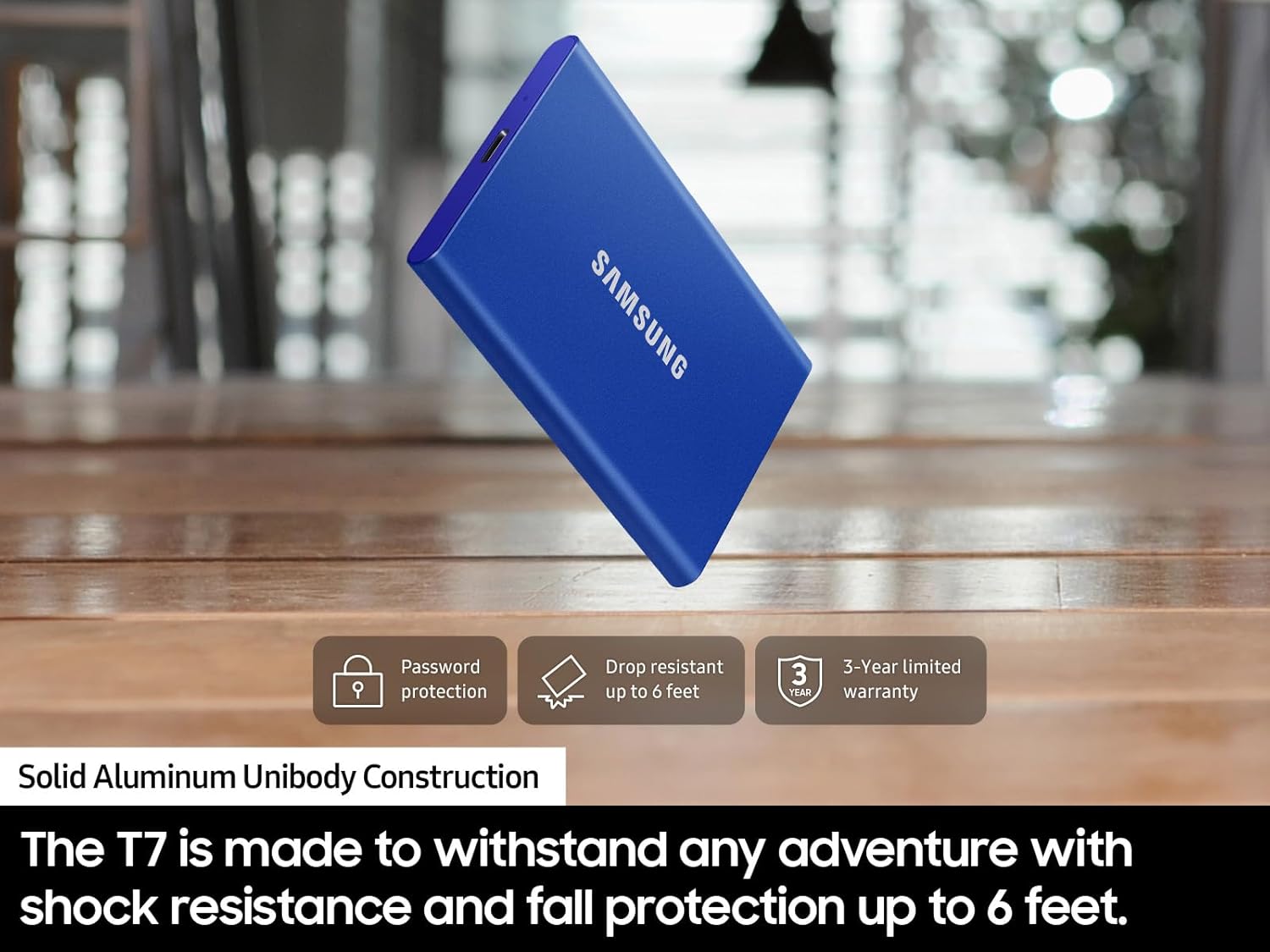
I’ve been using the Samsung T7 Portable SSD (1TB) for a year now, and it’s hands-down one of the best storage devices I’ve owned. Whether you’re a photographer moving large RAW files, a video editor needing quick transfers, or just someone who wants fast, reliable backups, the T7 hits the mark in every category.PerformanceSpeed is the biggest selling point here, and the T7 delivers. With USB 3.2 Gen 2 support, I consistently see read and write speeds in the 900+ MB/s range when connected to compatible devices. Real-world use backs it up—transferring large batches of photos or video files is smooth and snappy. What used to take minutes on a traditional external hard drive now takes seconds.It’s also incredibly responsive for everyday tasks. I’ve used it to run applications, store active project files, and even as a scratch disk for video editing. It handles everything without hesitation.Portability and DesignThe T7 is sleek, lightweight, and about the size of a stack of business cards. It slips easily into any bag or even a pocket, making it ideal for travel or working on the go. Despite its size, it feels sturdy, with a metal body that gives it a premium, durable feel. I’ve dropped it once (accidentally) from desk height, and it didn’t even leave a scratch—both the drive and the files were perfectly fine.Samsung includes both USB-C to USB-C and USB-C to USB-A cables, so it’s compatible with just about anything out of the box. I’ve used it with a MacBook, Windows PC, and even a tablet—no issues on any platform.Security and SoftwareSamsung offers optional password protection with AES 256-bit encryption through its software, which is great if you’re storing sensitive data. The setup is straightforward, and the interface is clean. That said, you can also just use it as a plug-and-play drive without ever touching the software—it’s flexible depending on how you want to use it.ReliabilityAfter heavy, regular use, the drive hasn’t missed a beat. No corrupted files, no dropped connections, no strange noises (as you’d get with spinning hard drives)—just consistent, solid performance. It stays cool under load and reconnects instantly when switching between devices. I’ve also appreciated that it doesn’t need an external power source—it draws what it needs directly from the device it’s plugged into.⸻Pros:• Blazing-fast read/write speeds (up to ~1,000 MB/s)• Compact, lightweight, and durable aluminum design• Plug-and-play across Windows, macOS, and more• Comes with both USB-C and USB-A cables• Optional password protection with AES encryption• Completely silent operation• No external power source neededCons:• Maximum speeds require USB 3.2 Gen 2 port (slower on older ports)• Included software is basic (fine for most users but not feature-rich)• Costs more than standard hard drives (but well worth it for the speed and reliability)⸻Final ThoughtsThe Samsung T7 1TB Portable SSD is one of those rare tech products that does exactly what it promises—and does it exceptionally well. It’s fast, reliable, and thoughtfully designed. Whether you’re using it for work, backups, or media storage, it’s a hassle-free solution that feels like a real upgrade over older external drives.It’s not the cheapest storage option out there, but if speed, portability, and peace of mind matter to you, it’s easily worth the investment. I’d buy it again in a heartbeat.



 Marca: Samsung