KKayla DeMarco
10 de julio de 2026
Perfect addition to expand our Blink system
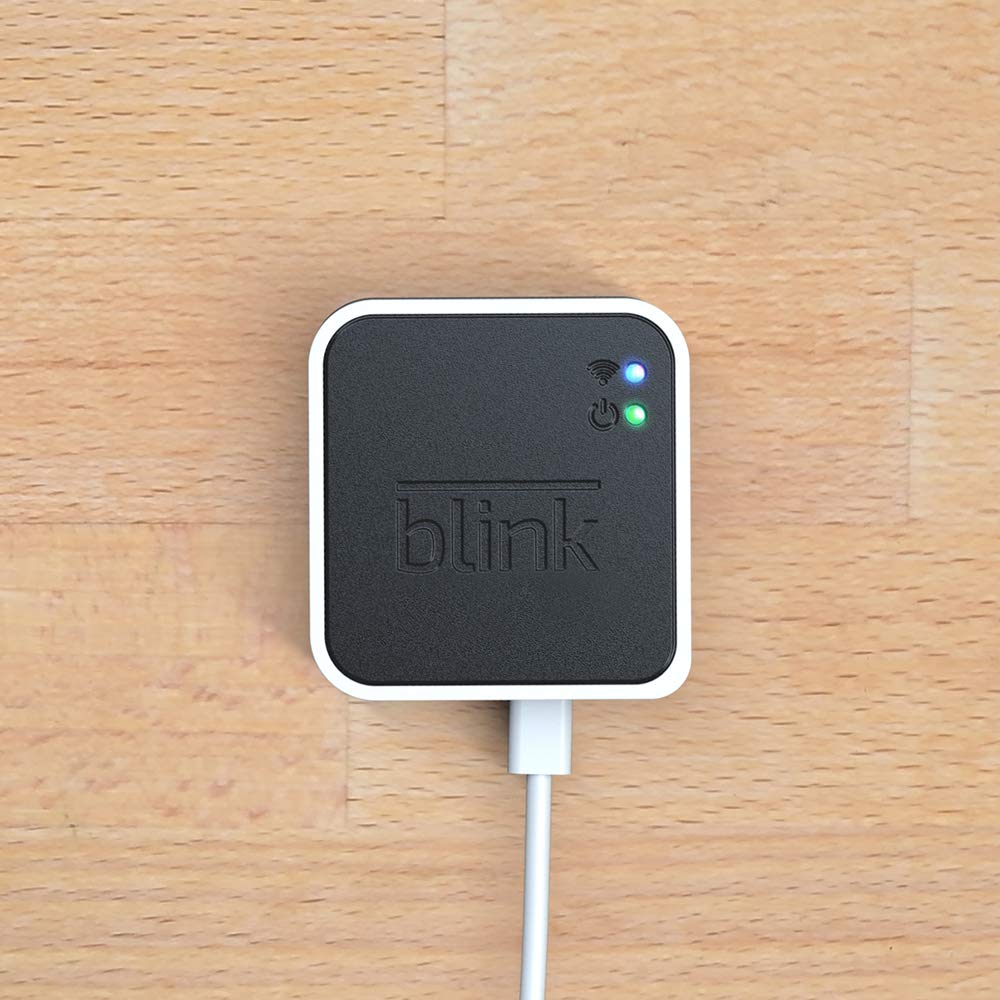
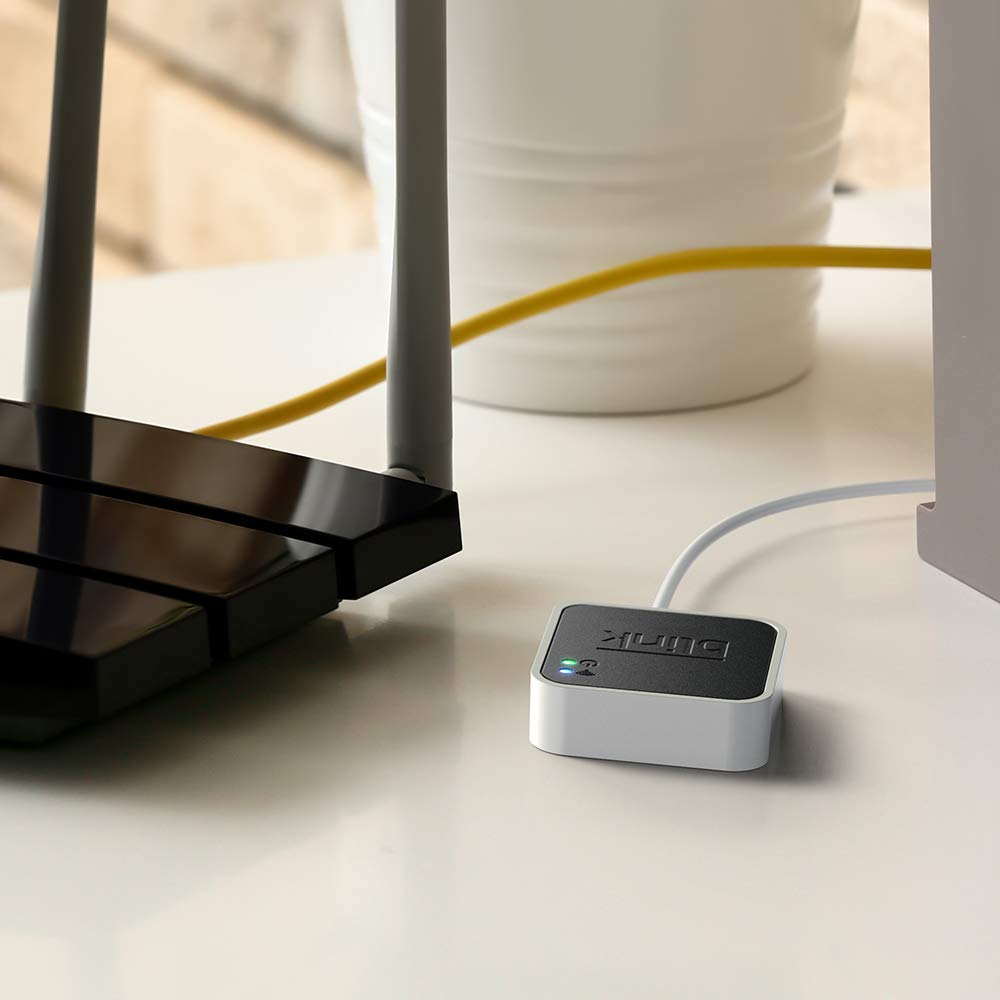
We've gradually added more Blink cameras over time, so adding a second Sync Module made a lot of sense. Setup was just as simple as our original module, and it connected to the existing Blink app without any issues. Within a few minutes, everything was up and running.One of the biggest advantages is being able to better organize multiple cameras instead of having everything connected to a single module. We paired it with a larger USB drive for local storage, and it's been working flawlessly. Motion clips save reliably, and we've had no issues accessing recordings through the app.If you've expanded your Blink system beyond just a few cameras, I definitely recommend adding another Sync Module. It makes managing everything much easier, and installation couldn't have been simpler.
2 out of 3 worked - Good Device - Good Eco System
This is a general review of Blink camera system and Sync module itself.After researching the available products, ring, wyze, etc. I selected Blink system for setting up my video perimeter. It had all the right features at a very affordable overall price.When you purchase their cameras they give a month of cloud service so you can try things out. Their cloud pricing is also very affordable and competitive.At the same time, Blink offers this thing called a Sync module in case you don't want to pay for cloud subscription. Initially I couldn't find documentation of how / what this thing does so what I'm writing here is based on experimentation.At a high level, Sync module offers a subset of feature of the cloud and is basically designed to do one thing: Record and store videos when a camera detects motion. Other features such as periodic taking pictures and storing is not not supported.Here's how things work with Blink app. It organizes the various cameras (outdoor, mini, doorbell, etc.) into what they call a "System". A "System" is pretty much a way to group things together. A group of cameras have the same on/off schedule, can be armed/disarmed at the same time, show up on the app on the same page, etc. Most importantly, a group of cameras share a single Sync module.For example, let's say you want to use blink to monitor two separate physical locations. If you are using the cloud, you can create a single group and add all the cameras to it even though they are located apart. But, if you don't want to use the cloud and instead use a sync module, you'll need to create two "Systems", each with its own Sync Module.Once you decide how to group your cameras, adding them to the account / app is easy. First, you add the Sync Module, then each individual camera. The process is very quick. I've done it a dozen times already and it's gone without a problem every time.Once created, you can arm the group for motion detection and recording. Every time motion is detected, the camera saves the video footage to the Sync Module. Once saved, you can look at saved video clips from the app, just like you'd if you had the cloud subscription.I've been very happy with the functionality of the Syn Module. I've recommended it to a bunch of other people and can say that so far, I know about 5 households that bought the Sync Module + a bunch of cameras and been using them with success.I've attached a few pictures of the app to show what you'll see if you setup a group and some of the adjustments available for an individual camera.-------------------------------------------------------The only problem i've had so far is one of the Sync Modules I purchased had a really strange issue. Everything worked except that it wouldn't actually record video to the USB. Camera would detect motion, send a notification, but no recorded video would show up. I did all the troubleshooting steps, called their support a few times, and unfortunately it wasn't solved. Also, there are no troubleshooting indicators available to figure out what was going on. Things either work or don't. I wish they provided some logs or other indicators to the user.At the end, I returned the thing, bought a new one, and it worked. So my conclusion is that specific Sync Module had an issue (hardware / software / who knows).