Especificaciones
- Conectividad
- USB
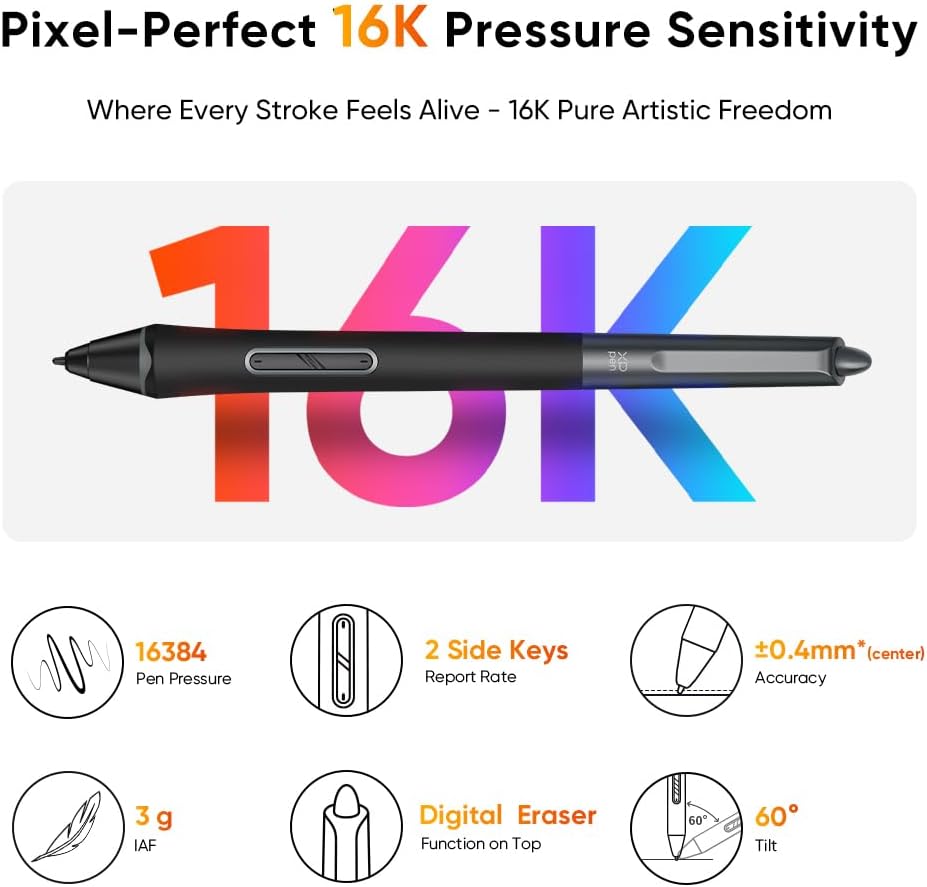
- Pressure Sensitivity
- 16384 levels
- Sistema operativo
- Windows 10/8/7 et Mac OS X 10.10 (et versions supérieures)
- Built-In Media
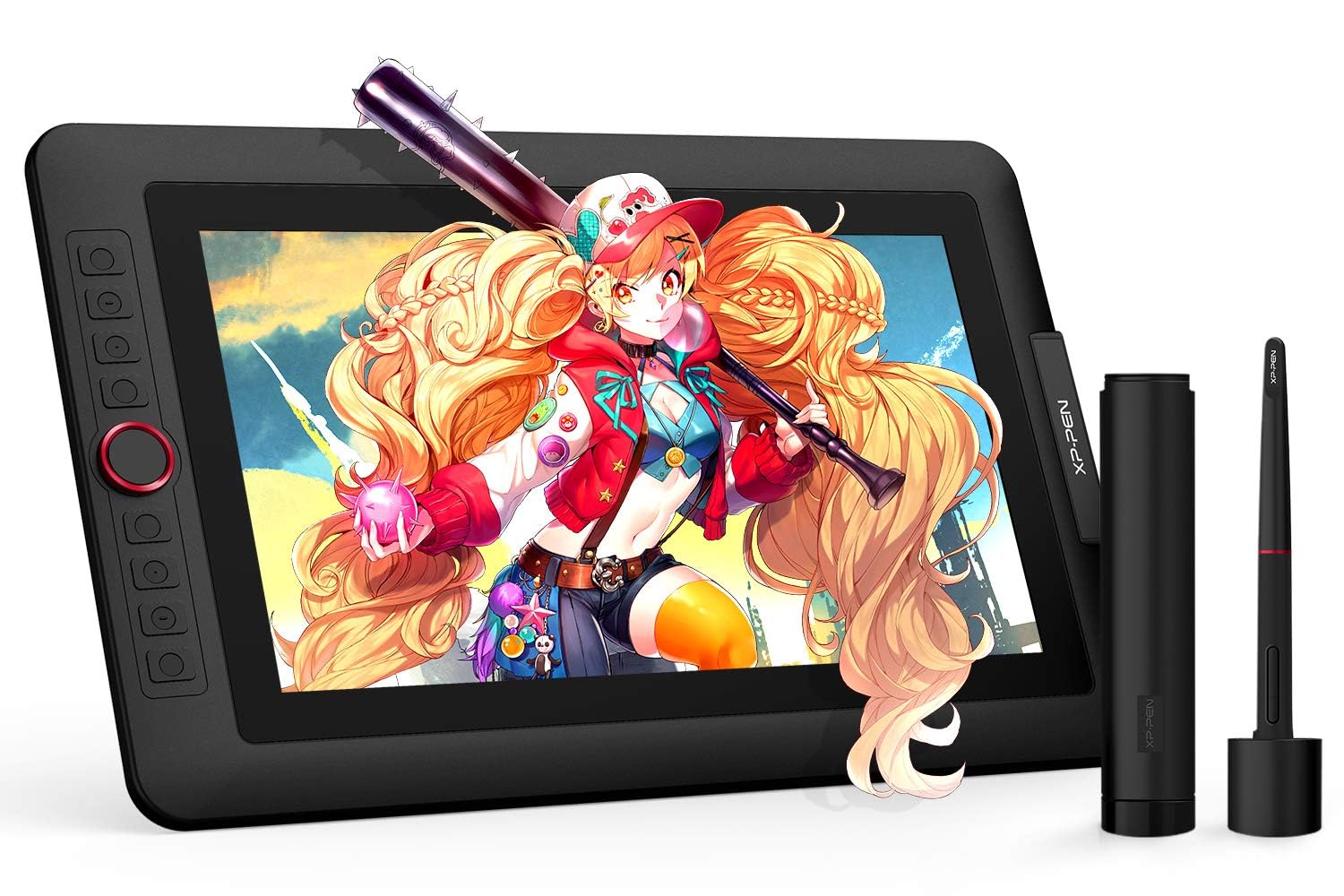
- 1 x Battery-free Stylus, ,1 x Pen Holder,8 x Replacement Pen Nibs, 1 x Cleaning cloth, 1 x Black Drawing Glove, 1 x Quick Guide, 1x 13.3 Inch Display, 1x 3-in-1 USB Cable, 1x USB Extension Cord, 1 x Adapter, Stand
- Target Audience
- Student, Teacher, artist, designer
- Model Number
- Artist 13.3Pro
- Number of Items
- 1
- Fabricante
- XP-PEN
- Unit Count
- 1 Count
- Number of Packs
- 1
- Item Type Name
- Graphics Tablet Screen, More Than 10 Inch Portable Display Device
- Mfr Part Number
- Artist 13.3Pro
- Additional Features
- Portable
- Usos
- Online Education,Digital Drawing,Professional Design, Video Edition
- Display Type
- LED
- Native Resolution
- 1920x1080
- Tamaño de pantalla
- 13.3 inches
- Peso
- 2 kg
- Item Dimensions L x W
- 9.84"L x 15.37"W
- Active Surface Area
- 75.875 square inches
- Color
- Black / White
Ver todas las especificacionesVer menos⌄
Calificaciones
4,5
★★★★★3.426 calificaciones
Las calificaciones provienen de Amazon.com.
Great Drawing Tablet!
After trying two other drawing tablets from competitors, I went ahead and tried my luck with this one. I LOVE IT!! I love how responsive the pen is and how accurately it responded to my drawing. I drew the above image which was quite detailed in less than an hour because it responded so well, it was like sketching by hand! Love that I can now draw directly to my computer using Photoshop and have digital art I can use to make my adult coloring books. My first coloring book has sold over 100 copies in less than 3 weeks! People love the detailed artwork to color and enjoy. This XP-Pen will be a vital part of my future successes as I create more coloring books for people to enjoy!The screen is very nice, colors look great, pen tracks precise and easy to setup and get running! Only downside is having to be attached to my laptop with cords, but that is a small negative when it increases my production 10 fold! Now I don't have to draw on paper (and start over if I make a mistake), scan in the image and then edit it to the proper format and dpi to make digital art. Can't wait to see what I can produce with this tablet! Nice thing about drawing digitally is if you make a mistake - you can instantly undo it and not have to start over with a clean sheet!This tablet is worth it's price! I've been a graphic designer for 25 years and find this jewel to be a great asset to my design skills. Now that I am retired, I can draw whatever I want for myself and earn a nice passive income from it!
GGypsy
21 de febrero de 2023
Professional Artist-Love this
I've tried a lot of digital art projects, and let me just say this is the best value you can get and it's not like you're getting a basic value. I have an Ipad Pro 11inch 4th generation that I use as well and it is the only thing I would put above this drawing pad. You get everything with this drawing pad, the color is spot on, the pen is great (very similar to Wacom tablet pens), pen lag isn't really a thing that you have to worry about either, the buttons are easy to use, it isn't touch screen so you don't need a glove but it does come with a glove, it plugs right into your computer or laptop and you're ready to go. This thing really is the best you can get at this price but also it compares to the best Wacoms as well. If you're on the fence or don't know which one to get this is the one you won't regret, it. For new artist this is perfect but also for artists that have been in the industry for a long time this is also great. I recommend getting Krita on your computer if you're new to digital art and working in there first then moving onto other programs if you'd like to. Mainly because Krita is free and works well with this product. The only thing I would have done differently is buying a bigger screen but really this size is perfect for pretty much everything. I really love the product I bought one for my sister as well and she has been able to really get into art again because of it. I hope this helps anyone looking around and that is unsure of what to get. Also for anyone with confusion drawing pads hook up to laptops and computers and the screen on your laptop is what shows on the drawing pad screen making it easy to draw. Don't think this is like an ipad that works souly on its own. Anyways 10/10 love it, go for it!
Amazing!
I LOVE this drawing tablet! It is my first ever one, and it is so high quality and easy to use. I was mostly a traditional artist and I got this last summer, and it felt like I was doing art like normal on my paper/canvas!It’s been a year since I owned it and I’ve had little issues with it. There are some instances where the screen glitches but it happened like three times in the span of a year.It is smooth drawing on the screen, and the pen pressure is great, and it is lightweight so I can pick it up comfortably without struggle (even though it mostly stays in the same area). I’ve never had a problem with the battery since it’s always connected to my laptop!In all I love this drawing tablet, it helped me easily transition from traditional to digital, and I can tell it will last even longer!
MMechanic1c
25 de julio de 2026
Very good product. The stand sucks, though.
The tablet, in general, works great. However, they do advertise it with a stand that essentially does not work. If you press down/forward on the stand at all (as you would when drawing, or when adjusting it any way other than moving it closer to yourself), it falls down instantly. The angle is far too shallow. Just shoddy design. I have to dock points because it they are advertising a functionality that is essentially lacking and they include a manufactured component that essentially does not serve any function. Other than that, it would be pretty much perfect; but as a result, you'll need another stand to be able to use this device at the (advertised, and) desired angle.




 Marca: XP-Pen