
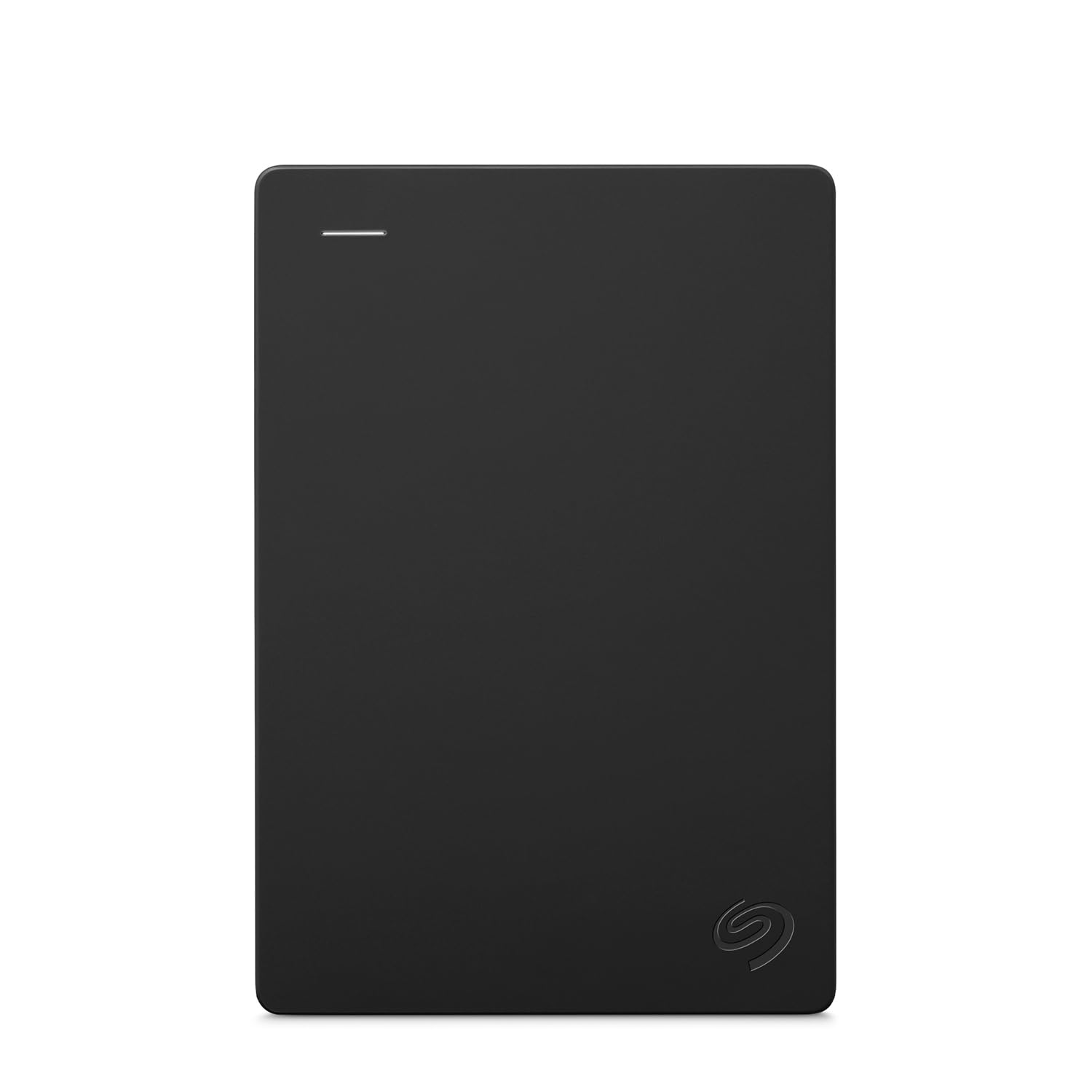
Seagate 2TB Portable Hard Drive | USB 3.0 (STGX2000400)
Más de 10.000 compradas el mes pasado
US$129.99
Precio en USD + envío por peso real. Llega en 5 a 10 días hábiles con Envi Express. Pagá en línea con tarjeta.
Más de 10.000 compradas el mes pasado
US$129.99
Precio en USD + envío por peso real. Llega en 5 a 10 días hábiles con Envi Express. Pagá en línea con tarjeta.
Easily store and access 2TB of content on the go with the Seagate Portable Drive, a great laptop hard drive. Designed to work with Windows or Mac computers, this compact external hard drive makes backup a snap. Just drag and drop To get set up, connect the portable hard drive to a computer for automatic recognition—no software required—and enjoy plug and play simplicity with the included 18 inch USB 3.0 cable.
4,6
272.041 calificaciones
Las calificaciones provienen de Amazon.com.
Anthony M. Davis
12 de abril de 2026
Good Quality and it Works Fine with a MacBook Pro
As a music producer, my last external drive was much smaller and it began to fill up quickly. I bought this Seagate because of the known quality, and the size. I understand that with a Windows computer, it’s plug and play. If you use a MacBook Pro, it is a simple task to prepare it. I’ll copy instructions for Mac preparation. It was ready to go in about a minute. It’s not something to worry about. Here are the instructions:First an easy installation, you’ll use Disk Utility on the Mac to erase and reformat the drive; it’s straightforward and only needs to be done once before you start using it.1. Decide on a formatFor a drive used only with your MacBook Pro for plugins/projects:APFS (best for SSDs, modern macOS, fast and robust).If you also want to plug the same drive into Windows regularly:ExFAT (works read/write on both Mac and Windows, fine for large audio files).2. Erase and format the driveConnect the new external drive to your Mac.Open Disk Utility (Applications → Utilities → Disk Utility).In the menu bar, choose View → Show All Devices so you see the whole physical disk, not just volumes.In the left sidebar, select the top-level entry for that external drive (it will usually show the manufacturer’s name and “Media”).Click the Erase button at the top.In the dialog:Name: Something like “Audio Plugins” or “Samples”.Format: Choose APFS (or ExFAT if you need Mac/Windows).Scheme: Choose GUID Partition Map if offered.Click Erase and wait for it to complete, then click Done.After this, the drive will mount on the desktop in the new format and you can start moving plugin content or sample libraries to it.It took time to move data off the old drive and load onto the new drive. That’s natural.With this new Seagate drive, I store all my music plug-ins and virtual instrument files along with a large collection of audio and midi files. When producing music, there’s no delay and everything works fine. With that said, I have the new M4 chip and 48GB of Ram. With that, the computer works fine, but the Seagate also keeps up just fine.This Seagate external drive was a good purchase. It is reliable, portable and built well with a good appearance.
Sean Greer
20 de julio de 2026
Helps me so I don't have to worry about having backups of my hard drive
The Seagate Portable 4TB HDD exceeded my expectations. It’s incredibly spacious, transfers files quickly, and works right out of the box with no hassle. I love how compact it is despite the huge storage capacity. It’s perfect for backups, media libraries, and everyday use. A top‑tier portable drive that’s well worth the investment.
Mama H
19 de junio de 2026
Saved my files, easily and quickly.
What a great value! This was perfect for me. My old Scandisc just died on me, taking all my backups with it. I was looking for something less expensive but just as easy to use, when I found this. I use it on my MacBook Air, and I just had to click once to reformat it for Mac, and immediately it was ready to go. I have now used it three times to do a total backup of my laptop, and it works perfectly each time. It doesn't build up heat while it's working, and it works very quickly. Of course, the very first time, it took a while because it backed up all the files, but after that, just a couple of minutes for each backup. I have to use a separate piece of hardware to plug it into my computer, but I had that already, so it was not a big deal. It's a small hard drive, and it mounts easily, so I am one happy user!
Joshelift
✅ Love it
✅I got the hard drive to off load pictures and videos off my iPhone and it works perfectly. The size is small and compact enough that it does not take up desk space✅ I like how fast the hard drive downloads and uploads videos when I need them as well. If I am doing bigger dumps then it will take 30-45 mins✅ I also like how black and sleek it is. Very professional. It is also easy to hook up per usb cord to my pc.✅ I also appreciate the level of security that it has so my friends cannot gain access to certain files