Fast, sturdy, portable, dependable SSD
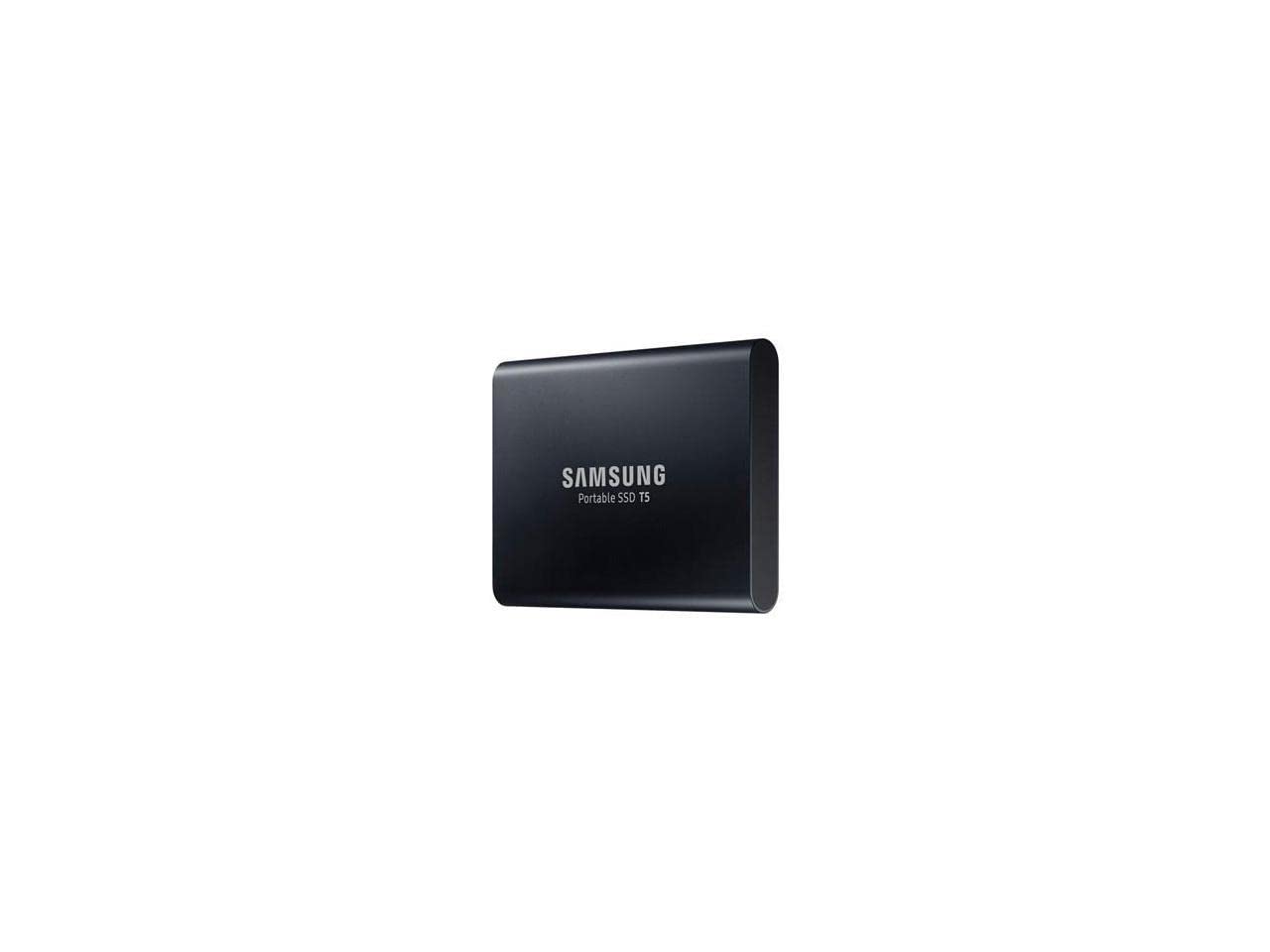
I've been waiting to buy a portable 2TB SSD for a while now. I've looked at many different brands, SanDisk, G-Drive, Glyph, etc... But I didn't want to spend a lot of money. I picked up this T5 as an Amazon Deal of the Day so I got an awesome price! I also finally got to try Amazon's 5 month, no interest, item payment plan lol. Thanks for giving me another reason to keep my Prime account, Amazon!I uploaded a pic of a quick speed test using Samsung Magician. I imagine it would be faster if my laptop didn't also have a regular WD Black HDD inside, as well as a Samsung Evo 860 M.2 SSD as my OS drive.I wanted to be able to use this for Windows 10 backups, and for Android phone backups. It comes formatted as exFAT file system, for use with Android devices and such. I deleted the exFAT partition and created a new 1.5TB NTFS partition, and a separate 500GB exFAT partition, so I can now use it for both Windows and Android :-)Samsung T5 is in a nice, sturdy aluminum case that is kind of a matte finish, so it doesn't smudge and hold fingerprints like shiny aluminum. It is very small and lightweight, so very portable. I love the USB-C to USB-C connection! It has a 3 year warranty as well, so I'm pretty confident it will last. I will update this review if anything changes!
Small, Durable, and Fast
This is an impressive little device. I am impressed with the look, and the apparent durability of the drive. In classic Samsung style, the drive is a good looking accessory especially for my Dell Precision 5530. I believe the drive will be very durable it is made of what feels like aluminum and is sealed on the ends. I would not hesitate to put this in my pocket for quick and easy transport.The big question for me was about the speed. I have owned many external drives that claim to be fast, but I still can't run my VMs directly from the drive. I tested both the USB C and the USB A cables to know which I would have to use. With both connectors the T5 really delivers. I can't tell a difference between this drive and an internal SATA SSD installed directly on the SATA bus. I have included some screenshots of the benchmarks I did on each connection type. The external drive basically saturates the SATA protocol bandwidth, AWESOME! On the Thunderbolt 3 Type C port, I was seeing full SATA capability on the large reads and writes. However, when it is hooked to the USB 3.1 type A connector (the rectangle one) it seems as if the USB overhead slows down the large sequential operations by 10% or so . However, the USB 3.1 A out performed the thunderbolt 3 connection when it came to 4k and 4k QD performance. For me the 4k performance is most important as that is what the OS does constantly. The 10% or so drop in performance on the large sequential files in reality will not materially affect the performance of the VMs.I officially brand these drives as AWESOME and they will be my new go to drive when I need high performance low cost external storage.
DDr Mike
14 de marzo de 2018
Tiny but powerful tool; versatile & reliable
Bottom line: Works wonderfully and harmoniously across computers.This drive comes with a hardware-based secure log-in system, and when you plug it in you'll see a choice of emulator/"activator" interfaces for login to PC or Mac or device. I ordinarily use it with a Macbook or desktop Mac, but I've guest-visited PC's also, and what happens is: you plug it in and will see the initial choice of platform log-in apps. Choose your OS, click, and enter your password - whatever password you set up initially from your own computer/device, as once you do that your password is hard-wired into the drive, and you can access it from anywhere - if you have the password.Setting up hardware-based encryption/security is optional, by the way. But really simple, and it really works easily across my own computers and ones I've guest-logged into while traveling. Same routine. Bring up system-specific log-in screen, enter password, you're in. Password required every time it's re-installed. Great basic mobile security.For Mac there's a known strangeness, despite full compatibility. When first plugging it in or upon ejecting it, you may see an upper-right-hand corner pop-up saying disk was improperly ejected (last time). Maybe on Windows "safely eject" avoids that, but on Mac you'll likely see it. Not to worry, as long as you're not transferring data while unplugging. (In Mac I "eject" and it looks normal but still will get a pop-up nag about safely ejecting.)What else can I say? I know there's a few reputable makers of 250-500GB SSD portable drives worthy of consideration. (As a scientist, believe me, I read all the reviews and looked at "data", but as a typical computer user I chose based on things like form factor, price, and past experience).So this is my 3rd Samsung T (2 "3"s and one T-5 now). I've had no problem with any of them (thus my collection has expanded). They are fast, reliable, and practical between the various interfaces, portable security protection, and choice of cable/interface. I'm a fan.
KKeicy Rafael Beltre Feliz
25 de abril de 2025
Reliable, Fast, and Convenient
I’ve been using the Samsung T5 Portable SSD 1TB for several months now, and I have to say, it’s an excellent choice for anyone needing fast and reliable external storage. Whether I’m working with large files for video editing or just backing up important data, this SSD does the job without a hitch.Design & Build Quality:The T5 has a sleek, compact design that fits easily in my bag or pocket. It's lightweight and made from durable, metal material that feels sturdy but not too heavy. The build quality is top-notch, and I don’t worry about it getting scratched or damaged from everyday use. I’ve also dropped it a couple of times, and it still works perfectly—it's definitely built to last.Speed & Performance:The 540MB/s read/write speed is incredibly fast, especially when compared to traditional hard drives. I use it to transfer large video files and it handles the job without any slowdown. Transferring a 10GB file takes just a couple of minutes, which has really sped up my workflow.Compatibility & Ease of Use:I’ve used it with Windows and Mac, and it works seamlessly with both. It comes with both USB-C to USB-C and USB-C to USB-A cables, which makes it compatible with a wide range of devices. Setting it up was super easy—just plug it in, and it works right away without any complicated software installation.Security:The AES 256-bit hardware encryption is a great feature if you’re concerned about data security. I use the password protection feature, and it works perfectly to keep my files safe.Battery Life:The T5 doesn't need an external power source, which makes it convenient for travel. It’s powered directly through the USB connection, so I don't need to worry about carrying extra cables or chargers.Conclusion:Overall, the Samsung T5 Portable SSD 1TB has been a fantastic addition to my tech gear. It’s fast, durable, and portable—everything I need in a reliable external storage drive. Whether you’re a professional or just need extra storage for everyday use, this SSD is a great choice. Highly recommended!


 Marca: Samsung