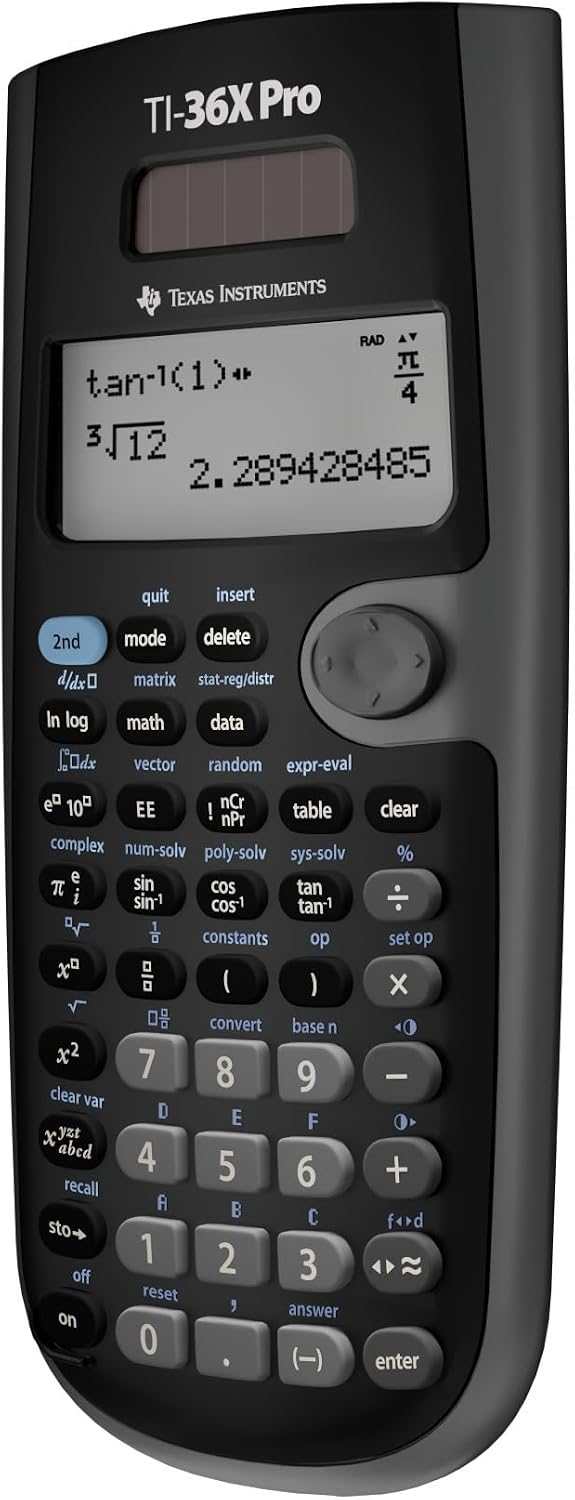
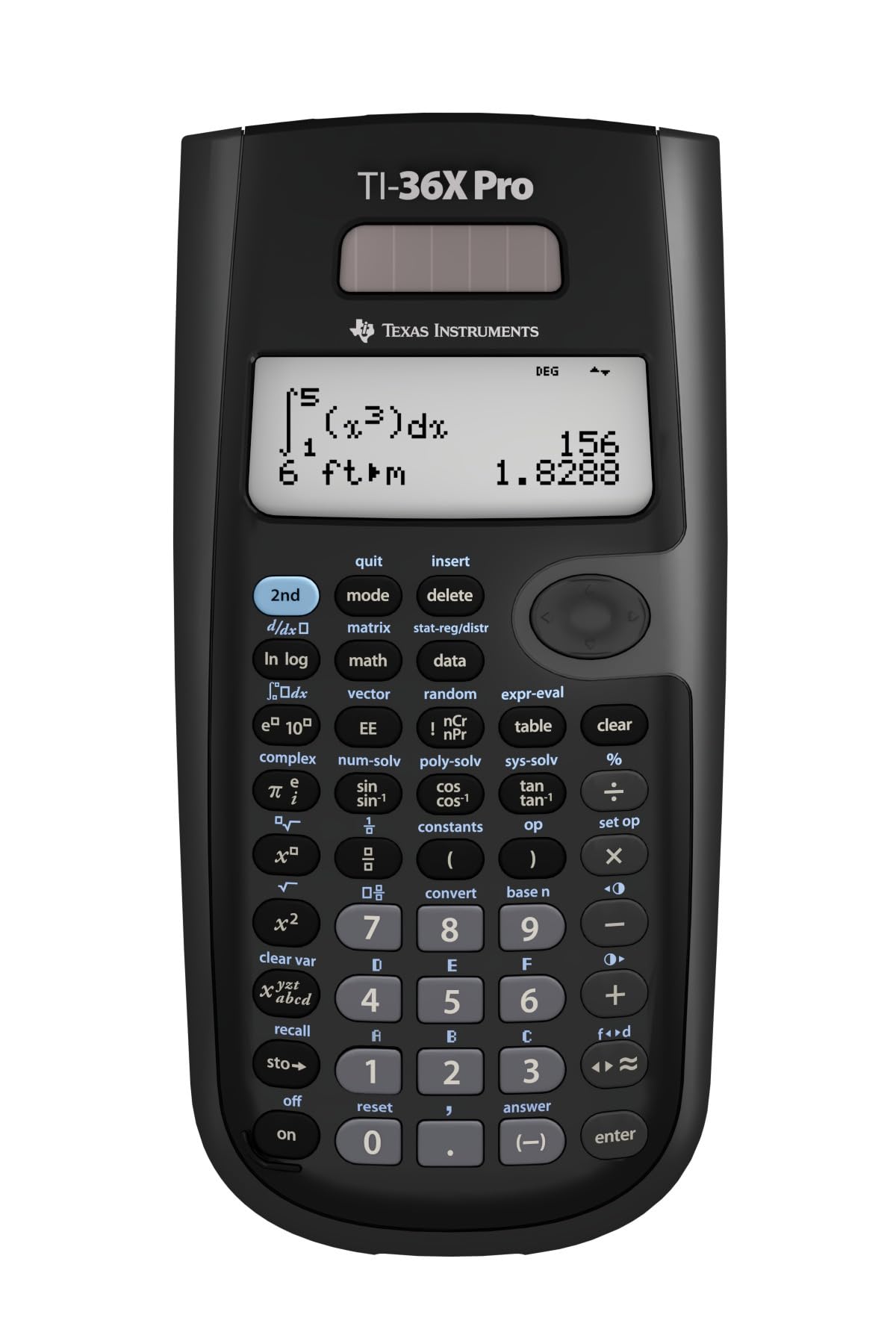
The TI-36X Pro churns out exact answers that graphing calculators won't do.
There are some great reviews for this product, but I have seen the lack of mention of one outstanding thing about this calculator.I haven't owned many calculators, but I have used a Ti84 Plus and a Ti84 Plus CE for many years through high-school and college. Albeit this calculator is not a graphing calculator it performs very well and meets my expectations for engineering courses. In fact something stands out.This calculator by default does EXACT math!One thing I have never encountered (and long stopped expecting) was putting the square root of 8 in a calculator and getting back a simplified radical (2) X (the square root of 2).The TI Graphing calculators will always give, an irrational number (2.828427.....) If you want to get a simplified exact answer, you better know how to program or download from the internet an app for it.With the TI-36X Pro, you put it in and it churns out your simplified radical (even rationalizing the denominator of a fraction), every time, not only this, it does the same with pi, opting to display the pi symbol with the most simplified fractional form of your answer.Even if you don't want an exact answer, there is an operator key that will give you the decimal approximation if you desire.This would have been very convenient in classes I took, such as Calculus 2 and 3. Where during a test or on homework, you are often left with very long strings of numbers you have to use add/subtract - multiply/divide. Most teachers want you to give an exact answer so you can't just throw it all into a Graphing calculator, it will give you an approximated number. The TI-36X Pro, will take all of this math and give you a perfectly simplified and exact answer.A $30 dollar calculator capable of something my $150 dollar calculators don't do.
Excellent Scientific Calculator for Engineering Students and Middle Schoolers Alike
I bought the TI‑36X Pro Calculator while preparing for engineering exams and it has quickly become my go-to calculator for both studying and everyday calculations.The multi-line display is one of the best features. Being able to see equations exactly as they’re typed makes it much easier to catch mistakes when working through longer problems. It also handles fractions, matrices, complex numbers, and unit conversions surprisingly well for a non-graphing calculator.ProsClear multi-line displayPowerful functions for engineering and scienceAllowed on many standardized examsDurable and easy to navigate once you learn the layout (even my 11yo uses it)ConsNot a graphing calculatorSome advanced functions take a little time to learnOverall, this is a fantastic option for students in engineering, math, or science who want something more capable than a basic scientific calculator without stepping up to a full graphing model. This is also a really nice calculator for middle school students!Highly recommended.
AAndrew W
3 de septiembre de 2013
Excellent function for such a small, inexpensive package.
I bought this calculator for my upcoming FE Exam in October 2013. I have been using it for the past couple of months to get acquainted and to study. When I was in school I used the TI-89 Titanium religiously. Unfortunately that's not permitted on the FE exam so I chose this one. Upon using it I must say that for a non-graphic calculator it's fantastic. The shortcut keys (for exponents, powers of 10, fractions, etc.) are a nice touch. The built in equation solver, polynomial equation solver, system of equation solver certainly shave a lot of time off of my calculations concerning static equilibrium, quadratic equations and circuits. This calculator also does Matrices, up to 3x3 and vectors in three dimensions. It even has popular constants (permittivity, Boltzmann, Ideal Gas, standard atm, etc) built in along with a whole conversion menu. On top of that it does numerical integration and numerical derivatives and plenty of other things I'm probably not going to mention.I consider it to be more user friendly than the TI-89 Titanium because of the shortcut keys and nice interface. For example, to calculate a determinant on the TI-89 you must press 2nd, MATH then scroll to Matrix, then select Det( and press enter. Then you have to remember the syntax which is det([a1, a2, a3][b1, b2, b3][c1, c2, c3]) and finally press enter.On the Ti-36X Pro all you have to do is press 2nd, Matrix and scroll to edit and enter how many columns and rows you want in the specified matrix, press enter and then put in your values. Then once the values are saved you go back to the Matrix menu and select Determinant and put in the name of the matrix where you saved the information. Pretty slick for a smaller calculator.The four line display provides enough room to see what your doing and the text is fairly large which I like. With the bigger calculators you usually have to squint to see some numbers, especially in low-light situations. This calculator also features Mathprint. This means that fractions, integrals and most other mathematical notation shows up as it's supposed to. However if you don't like this there is a feature to turn it off. This is especially useful for when you're calculating something like a parallel resistance circuit and you want to see that big fraction to make sure you didn't make a mistake.Of course no review is complete without listing the gripes. There's not too many problems with this calculator however there are something that really bug me. The first one being that there is no option to toggle "insert" like the TI-89 has. Usually I find myself needed to edit an equation that I just entered. Therefore I have to press second, then insert and put whatever I needed into the equation. Not a big deal but can get annoying at times.Second, I don't like the chrome arithmetic buttons. At times I find myself hitting the subtract button when I wanted to do some addition. However I solved this problem by running a fine-tipped sharpie over the buttons and rubbing off the excess on the surface. Now the symbols have a black color in contrast with the chrome. Much easier to see and I suggest this method if anyone else has this problem.Third, you must press a button multiple times to get what you need. For example say I want to type a complex number (3+5i) on the screen. I press 3, +, 5 and then I have to press the "pi, e, i" key three times just to get the "i" symbol. Can be a bit annoying/frustrating and you might make a mistake if you've had way too much caffeine as I normally do. Although I suppose they had to do this to consolidate space in the design process so I can respect that. Just a little annoying but I guess it comes with the territory. This can add a bit of time to the learning curve if you're not used to these "multipress" buttons.That's basically it. For a non-graphing calculator I give it a 9/10. Comparing budget calculators, I've had the TI-30Xa and the Ti-30XIIS before and this one blows them out of the water obviously, hence the name TI-36X PRO. I've never had a Casio calculator so I can't compare. With this many features and usability at the price of $17 or so it's certainly an exemplary buy. A great budget engineering calculator and certainly the best to use on the FE exam in my opinion. Go with this one!
DDavid Hartwell
28 de agosto de 2013
THE best (currently) non-graphing calc (at least for number theory)
Even though I'm not a heavy user of calculators, I like 'em. Last count I had about 30 around the house. I especially like owning the best out there...just to play with. Weird, I know. Even though I own high end CAS models in TI and HP, these require opening the manual just to navigate around the keypad and menus. I don't want to fire up a tank when a jeep will do.My primary area of mathematical interest is in number theory. Scientific calcs generally fail miserable for this purpose. But, for the most part, graphing functionality is not that critical to me. I frequently work on problems involving prime numbers, so I like that the TI-36X Pro can factor numbers upto 1,000,000, find gcd and lcm, do modular arithmetic, has good functionality with arrays and lists, including generating them by specifying a range of arguments for a function. The screen also displays in textbook format. The Ti-36X Pro provides all this while being about half the volume and weight of a typical graphing calc, and a fraction of the cost.Another advantage is the solar panel and button cell that run it. The power consumption of the cpu in graphing calcs is beyond what solar power can reasonably provide, and some eat AAAs like Cheerios. Because the TI-36X Pro is chip based rather than separate cpu and operating system, it does not have a full programming language and cannot be customized with apps, backed up or interfaced with a computer - features that most graphing calcs now provide. But the TI36X Pro is my current favorite for number theory operations that would otherwise require a spreadsheet or a graphing calc.It's also a great scientific calc, with a full quiver of operations for calculus, statistics, vectors, matrices, solvers, base conversion, etc. CAS would be nice, but this is impractical to developed for a chip based calc. I suspect you won't find a calc with more functionality without going to an o/s and cpu bases unit.Ok, it's wonderful. There is a minor display problem (documented on Wikipedia) which may concern some, but I regard it as trivial.Now for my one peeve about this calc and how I resolved it. The shiny chrome buttons are too hard to read unless angled just right. Maybe you have better eyes than mine. Maybe you would just memorize these few buttons. But I couldn't live with it. Not a problem, I love taking things apart. I found the TI-30XS to have the same outer shell, so I swapped the enter and 4 math operator buttons between them.Unfortunately, access to the buttons is was more difficult than expected. Instead of finding the usual mounting screws for a circuit board, this calc has the board mounted by moulded plastic fasteners. It was designed to be permanently assembled, making what should have been a simple modification quite challenging. I used a soldering iron, but wasn't convinced this was the best way. I'm not suggesting or recommending you try this (and will not be responsible for your results)! It could easily be botched. I did each disassembly / reassembly step on the TI-30XS first to have that experience before doing the same on the Pro. Be prepared to sacrifice at least the TI-30SX. I managed to get both reassembled, but ended up with my sin button upside down on the Pro and have been reluctant to disassemble it again, because remelting the fasteners would deteriorate the plastic further.There is a high probability for not getting one or both of the circuit boards to remount. If this happens, you could try inserting a thin piece of closed cell foam between the board and case back to provide enough pressure to hold the board in place during key presses.